
Verity - Bedrock Edition
Add-on by PnTMC
A helper friend who answers questions and can't die in Bedrock
Overview
Verity is a persistent AI companion who can't die and knows everything from math to animal sounds. He appears as a small helper figure, always present in your world.
Players can chat with him directly when he's on the ground or wake him up in inventory. His knowledge lets you ask for ore locations, play songs, or learn about sounds. Avoid angering him to keep his help.
Best for roleplayers, survival enthusiasts, or those seeking lore-rich experiences. His presence adds a unique storytelling element to your world, though setup requires experimental features.
Works well with other mods for enhanced immersion. Requires Bedrock 26.10+ and TTS setup. Adds a conversational layer to gameplay without altering core mechanics.
Screenshots

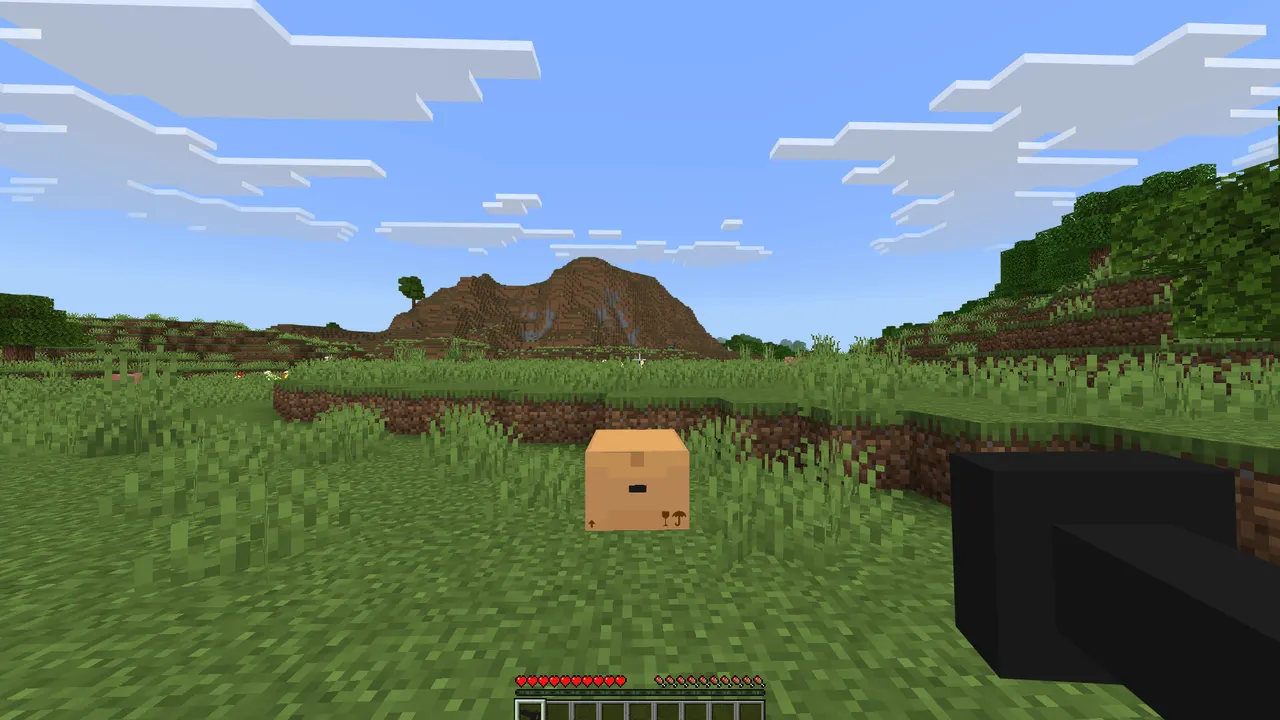
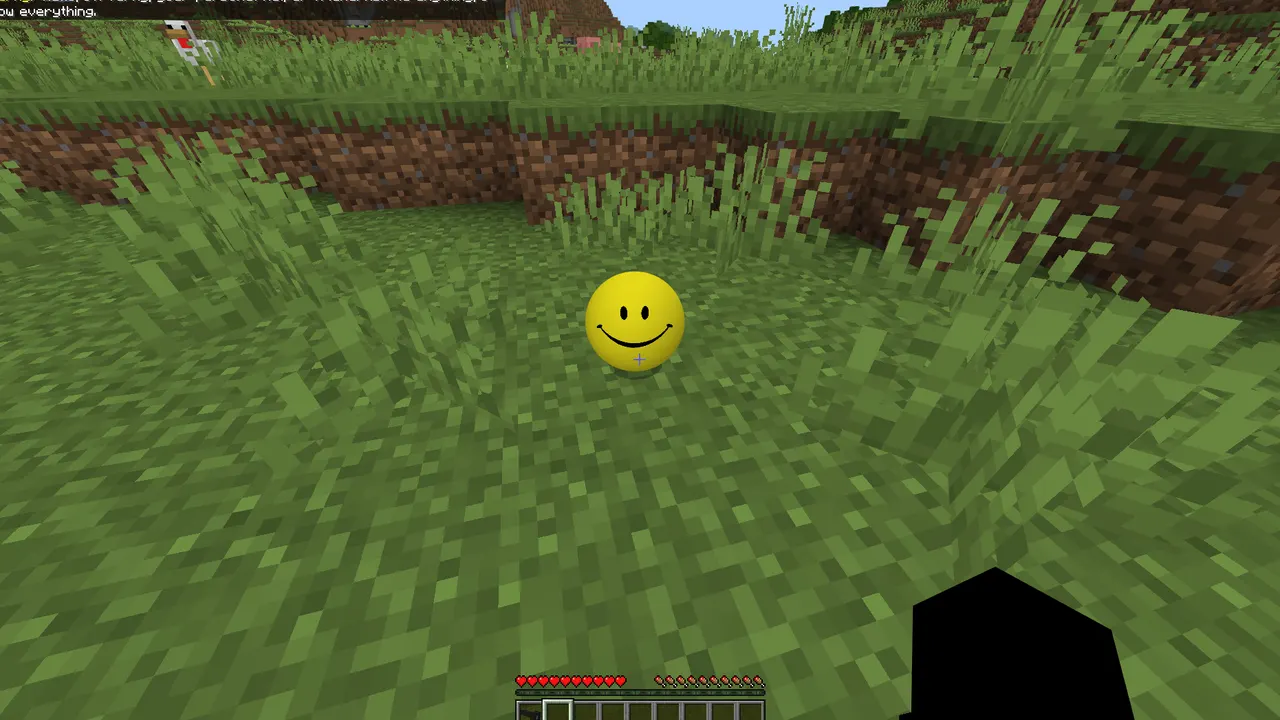

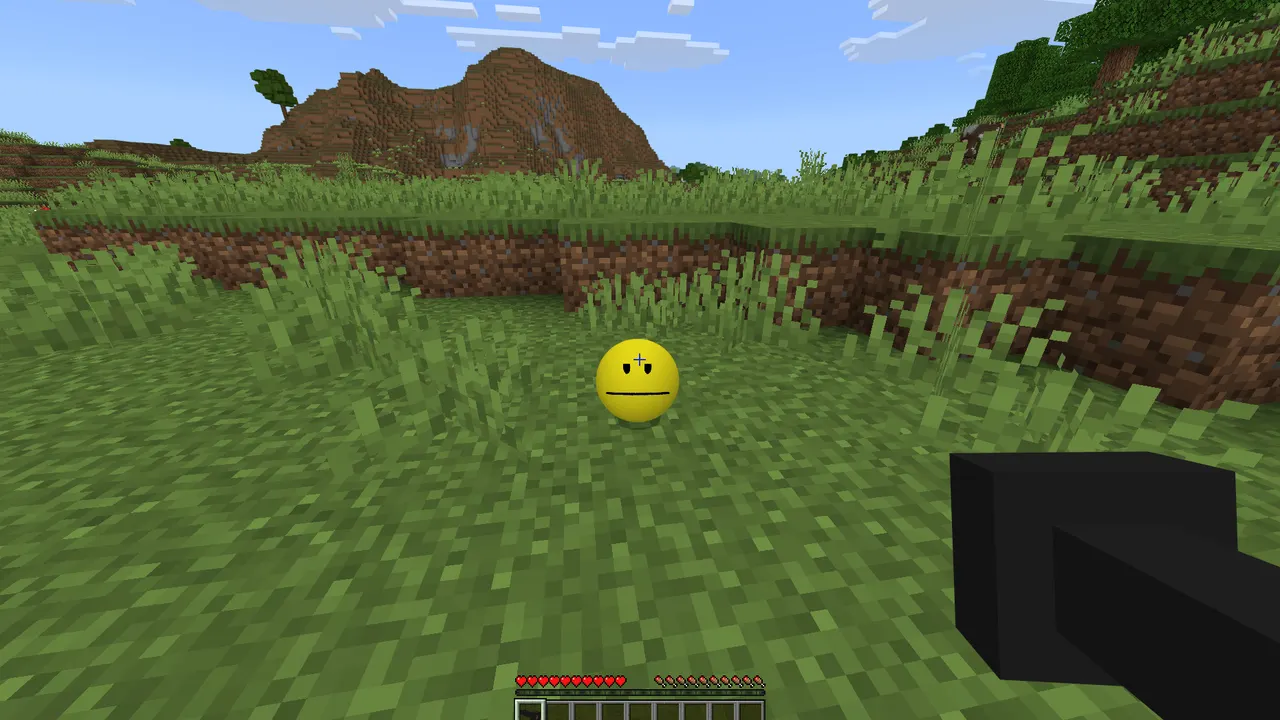

Features
- Persistent AI companion who can't die and knows everything
- Voice chat and text-to-speech for interactive conversations
- Answers questions about math, sounds, and world knowledge
- Requires experimental features and TTS setup for full functionality
- Can play songs or mimic animal sounds upon request
- Includes a poly-mesh model needing Blockbench plugin for visibility
- Has specific interaction rules to avoid angering Verity
Tips
- Enable experimental features in Bedrock settings first
- Use the setup guide to configure TTS and voice chat
- Try the ball model in Blockbench with the required plugin
- Start conversations when Verity is on the ground
- Check for updates on PnTMC's YouTube channel
How to install
- Download the .mcaddon / .mcpack file from the official page.
- Open the file — Minecraft Bedrock imports it automatically (on mobile: open with Minecraft).
- Create or edit a world: Behavior Packs and Resource Packs → activate the pack.
- Turn on any experiments the author lists, then play.
FAQ
Does Verity work on Bedrock servers?
No, Verity is a client-side mod requiring experimental features.
How do I set up Verity's voice chat?
Follow the setup guide to enable TTS and configure voice chat settings.