
About AppleSkin
AppleSkin is a client-side mod that adds food-related HUD improvements, showing hunger, saturation, and exhaustion values. It requires Fabric API and works with Fabric, Forge, NeoForge, and Quilt loaders. The mod provides visual feedback for food mechanics without altering game mechanics.
Players see real-time food stats in tooltips, HUD visuals, and debug overlays. This helps track resource management, especially when dealing with exhaustion mechanics. The mod syncs values between server and client for accurate displays.
Ideal for players focused on survival, farming, or modpacks with food-based systems. It suits modpack creators wanting to add depth to hunger mechanics without changing core gameplay. The mod's optional status makes it flexible for different setups.
In modpacks, AppleSkin complements mods like Not Enough Items or custom food systems. It adds clarity to resource management without conflicting with other mods. Its compatibility with multiple loaders makes it easy to integrate into various modpacks.
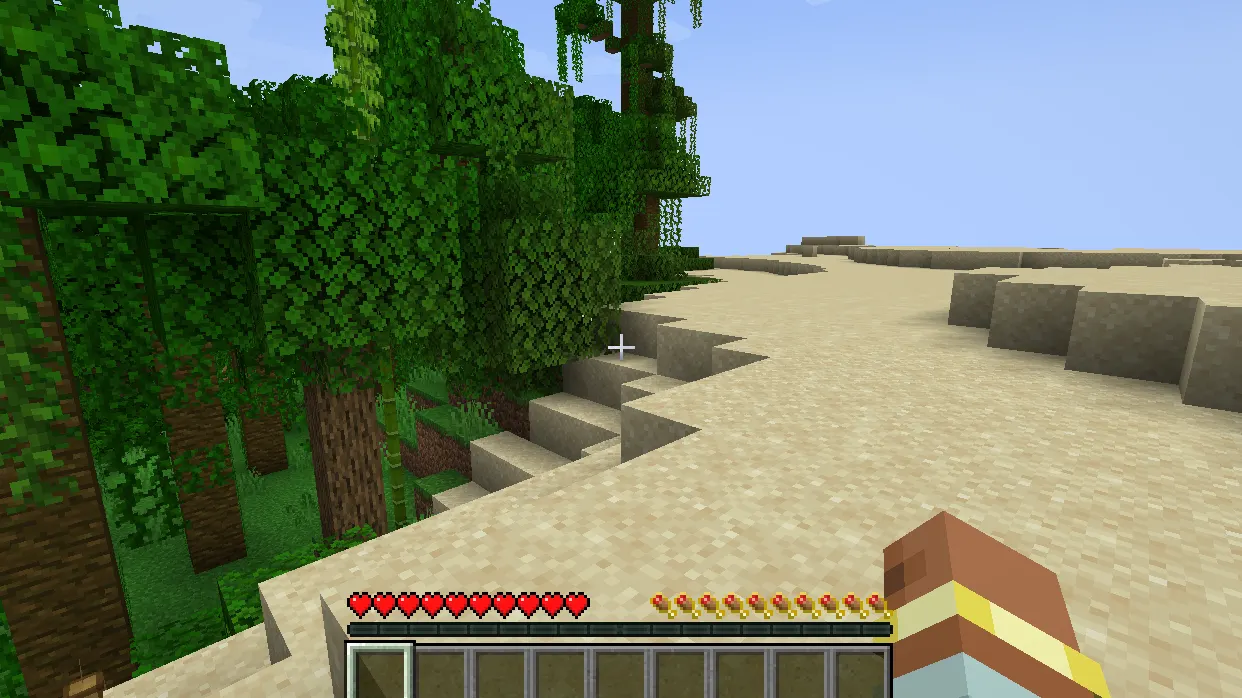
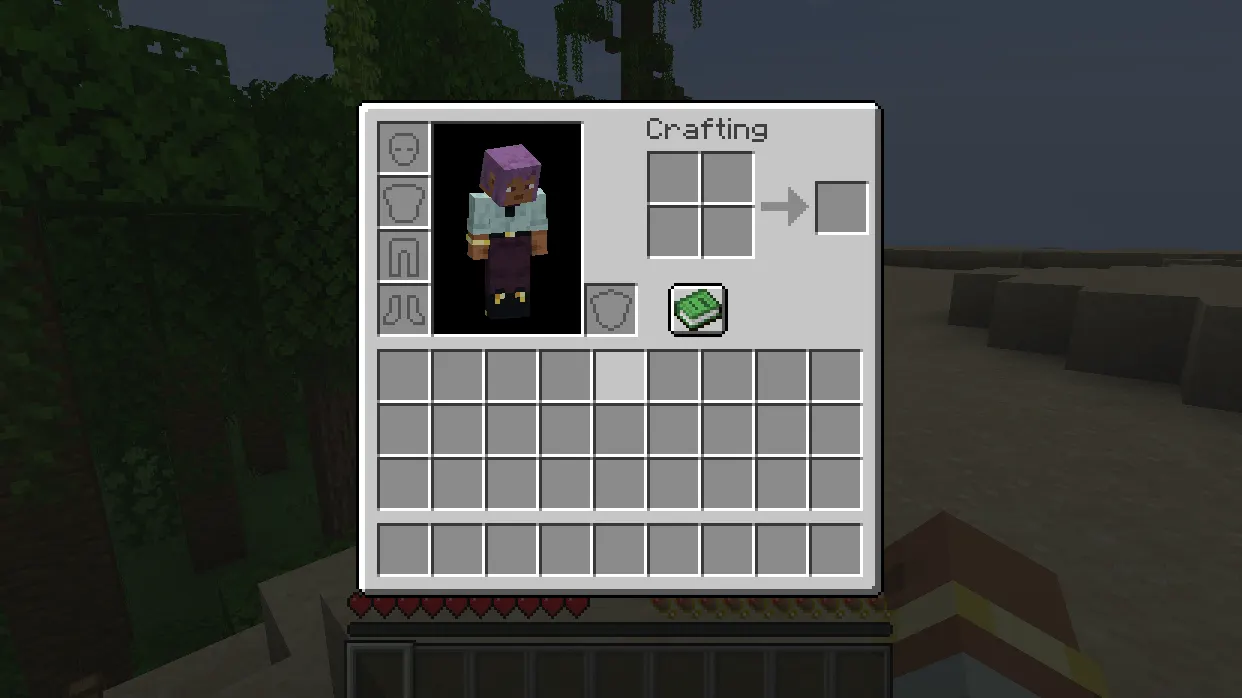
Features
- Displays food value tooltips for items
- Visualizes saturation/exhaustion in the HUD
- Shows potential hunger/saturation restoration while holding food
- Displays health restoration potential with held food
- Provides hunger/saturation/exhaustion info in debug overlay
- Syncs saturation/exhaustion values between server and client
Tips
- Ensure both server and client have AppleSkin for accurate stats
- Use debug overlay (F3) to verify saturation/exhaustion values
- Combine with Not Enough Items for detailed food tracking
- Check vanilla server compatibility with required plugins
How to install
- Install Fabric / Forge / NeoForge / Quilt for your Minecraft version (use the official installer).
- Download the file that matches your Minecraft version and Fabric / Forge / NeoForge / Quilt.
- Also install: Fabric API.
- Open the .minecraft folder and put the file into the "mods" folder (create it if missing).
- Launch Minecraft with the Fabric / Forge / NeoForge / Quilt profile.
FAQ
Does AppleSkin work with vanilla servers?
Requires plugins like AppleSkin for Vanilla or similar to sync food stats with vanilla servers.
What dependencies does AppleSkin need?
Requires Fabric API. Works with Fabric, Forge, NeoForge, and Quilt loaders.