
About Mod Menu
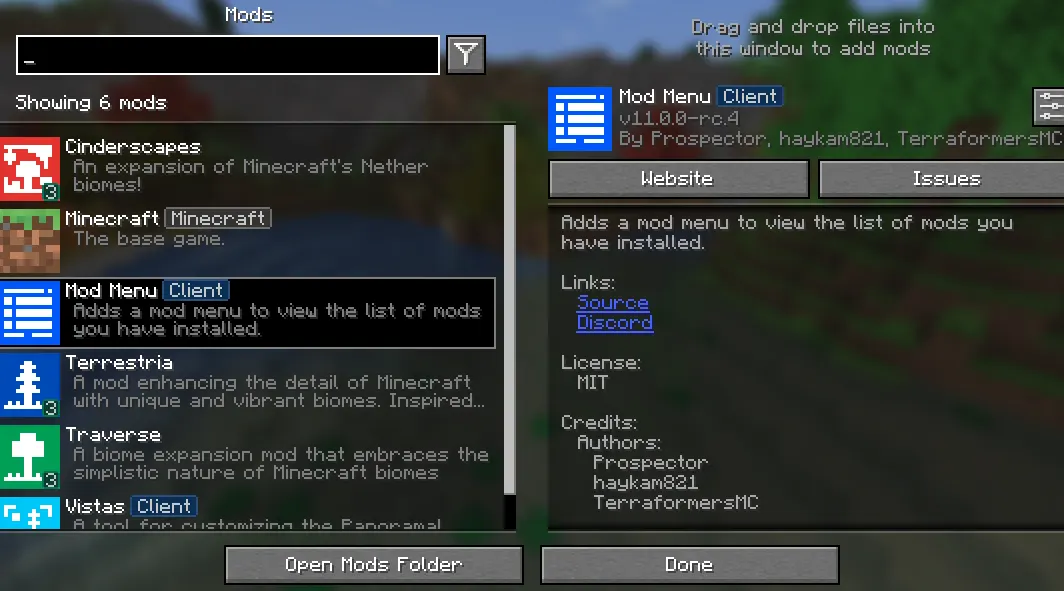
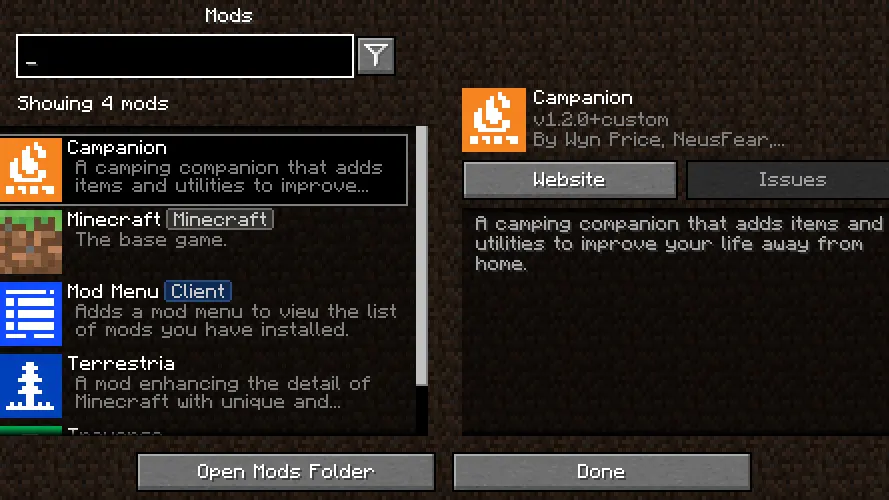
Mod Menu is a utility mod that displays installed mods with configurable options. It provides a centralized menu for mod developers to enhance their mod's appearance and functionality through APIs.
Players can quickly access mod configurations, check for updates, and filter mods using features like translation support and badge categorization. This streamlines mod management without changing gameplay mechanics.
Ideal for modpack creators and players managing multiple mods, it helps organize dependencies and legacy mods. Its compatibility with Fabric and Quilt makes it versatile for different modding ecosystems.
In a modpack, Mod Menu helps maintain organized mod listings and ensures players can easily find and configure mods, improving overall modpack usability without altering core gameplay.
Features
- Displays list of installed mods with configurable options
- Supports mod-specific configuration screens
- Translation API for mod names and descriptions
- Badges for categorizing mods (library, deprecated)
- Custom links in mod descriptions
- Parent-child mod relationships for organization
- Update checker for Modrinth-hosted mods
- Metadata APIs for advanced mod metadata
Tips
- Start with basic mod list settings before customizing
- Use translation keys for multilingual mod descriptions
- Enable update checker to track mod versions
- Combine with other mods for enhanced modpack management
How to install
- Install Fabric / Quilt for your Minecraft version (use the official installer).
- Download the file that matches your Minecraft version and Fabric / Quilt.
- Also install: Fabric API, Text Placeholder API.
- Open the .minecraft folder and put the file into the "mods" folder (create it if missing).
- Launch Minecraft with the Fabric / Quilt profile.
FAQ
Does Mod Menu work on servers?
No, it's client-side only. Servers don't need it.
How to add translations to my mod?
Use translation keys in en_pt.json format with your mod ID.
Can Mod Menu work with other mod menus?
No, it's a standalone menu. Other mod menus won't conflict.