
![[EMF] Entity Model Features](/media/27/icon.webp)
About [EMF] Entity Model Features
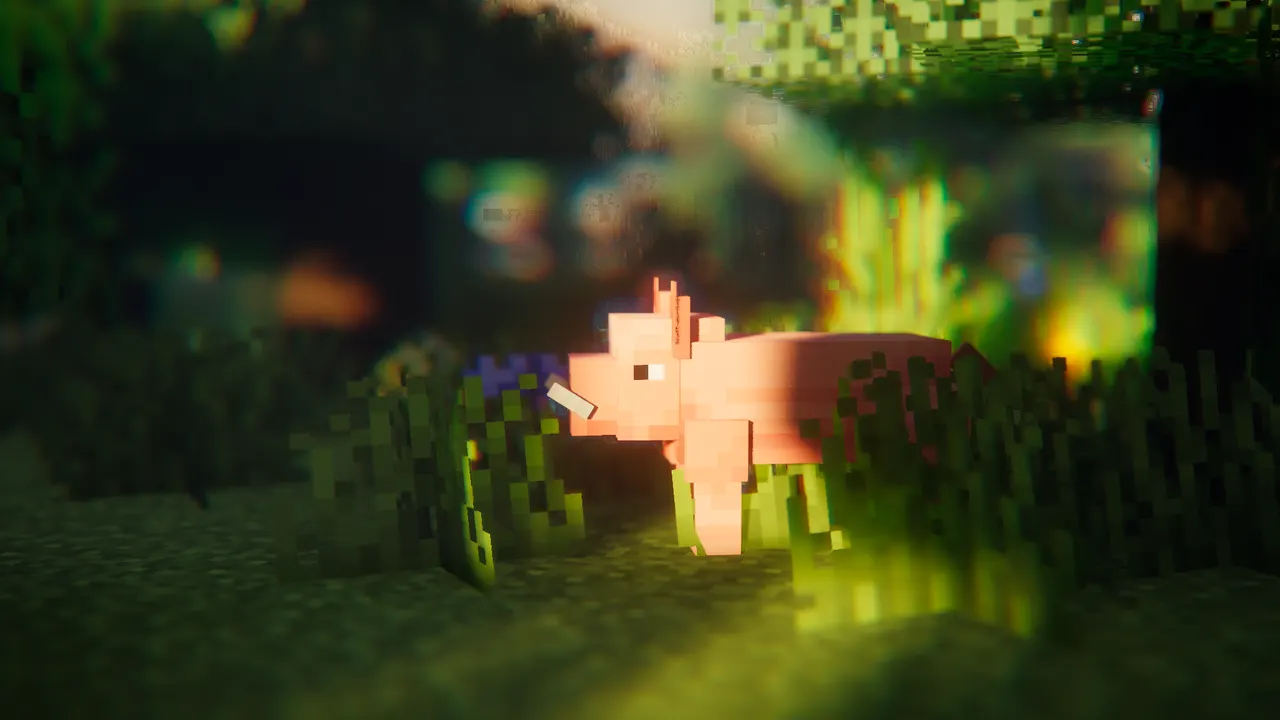
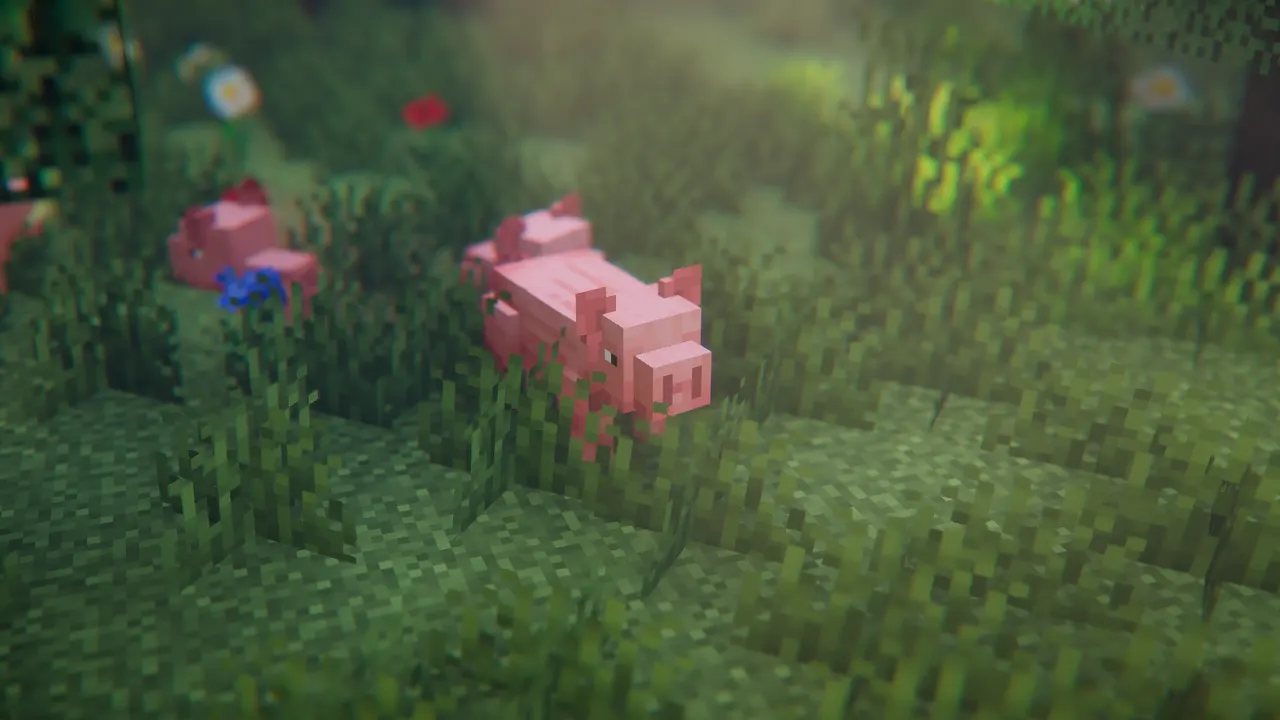
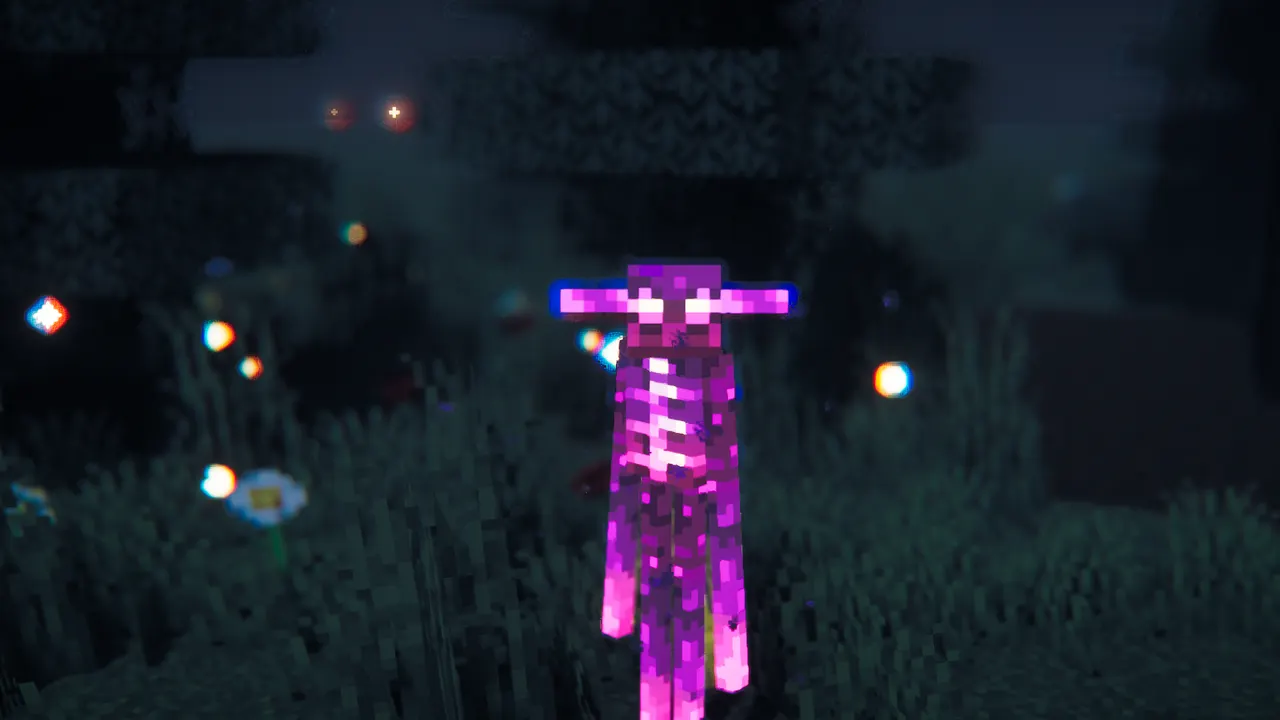
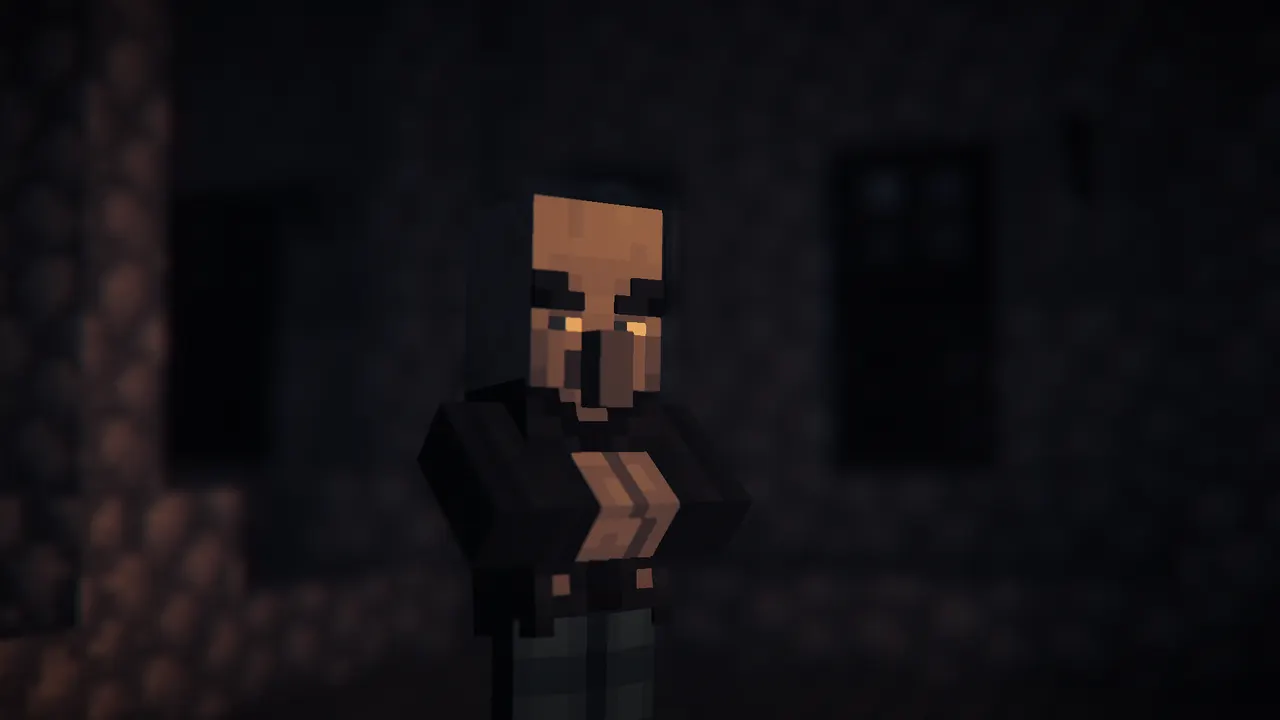
EMF is a Fabric/Forge mod that enables OptiFine's Custom Entity Models (CEM) format, letting players use advanced entity model features from resource packs. It works alongside mods like Sodium and ETF, offering more flexibility than vanilla models.
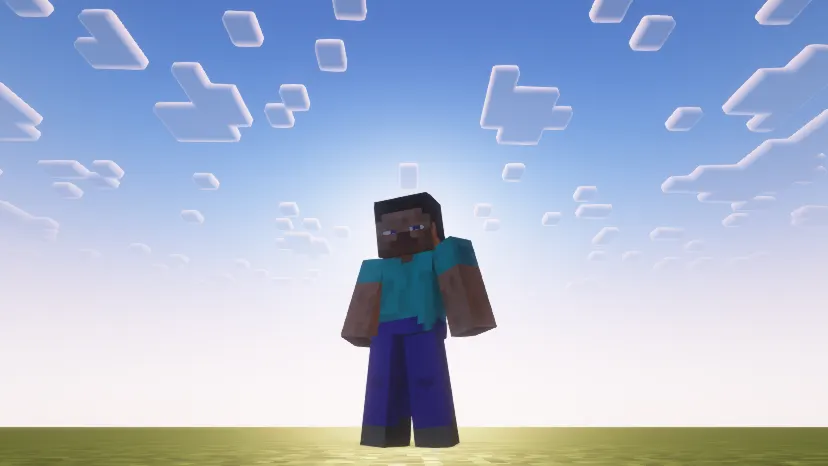
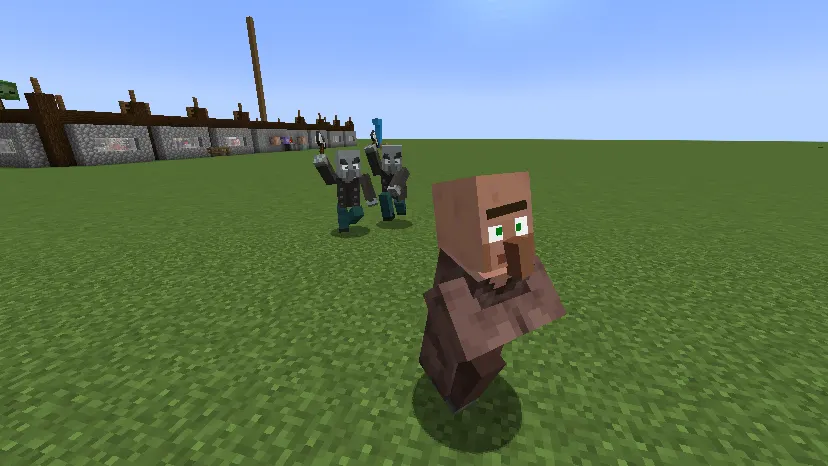
The mod changes gameplay by allowing detailed entity animations and texture variations, improving visual customization for mobs and decorative entities. It's ideal for players who want to refine their modpack's appearance without relying on OptiFine.
EMF suits creators building animation-heavy modpacks or those seeking precise control over entity visuals. It integrates well with mods like Fresh Animations, enhancing performance and visual depth in custom worlds.
As a client-side mod, EMF complements server-side mods by adding rendering options. It requires ETF for core features and works best with Entity Culling to reduce lag in complex modpacks.
Features
- Supports OptiFine-style custom entity models via resource packs
- Enables texture variation in entity models like OptiFine
- Includes a configuration screen for model settings
- Works with Sodium, Continuity, and ETF mods
- Requires ETF for random model and texture features
- Client-side only, no server dependency
Tips
- Install ETF first to unlock random model and texture features
- Pair with Entity Culling for better performance in animation-heavy packs
- Check for conflicts with dorianpb's CEM mod before installing
- Test with Fresh Animations to verify compatibility
How to install
- Install Fabric / Forge / NeoForge / Quilt for your Minecraft version (use the official installer).
- Download the file that matches your Minecraft version and Fabric / Forge / NeoForge / Quilt.
- Also install: [ETF] Entity Texture Features.
- Open the .minecraft folder and put the file into the "mods" folder (create it if missing).
- Launch Minecraft with the Fabric / Forge / NeoForge / Quilt profile.
FAQ
Does EMF work with OptiFine?
No, EMF is an alternative to OptiFine's CEM features and isn't compatible with dorianpb's CEM mod.
What Minecraft versions does EMF support?
1.18.2 to 26.3, including 1.21.11, with Fabric/Forge/NeoForge support.
Is EMF server-side compatible?
No, EMF is strictly client-side and doesn't require server installation.