About Just Enough Items (JEI)
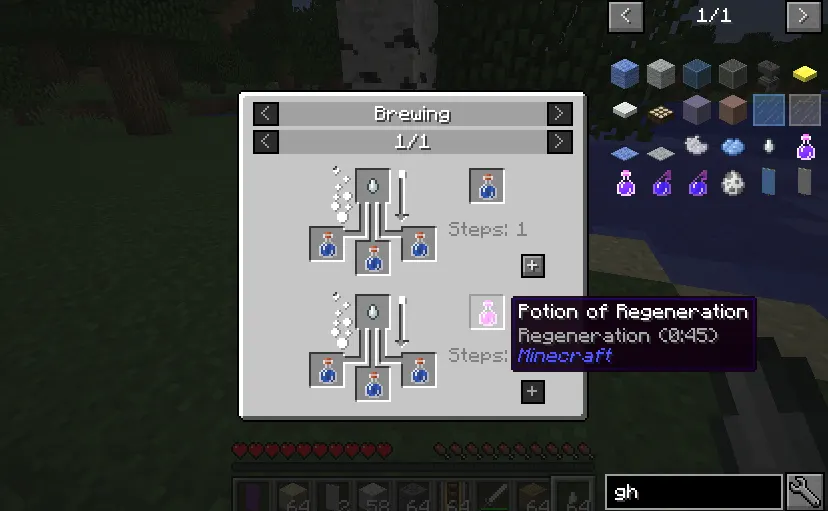
JEI is a Minecraft mod that lets players view items, recipes, and mods with customizable controls. It provides quick access to recipe details, item uses, and mod-specific information without altering gameplay mechanics.
The mod enhances exploration by letting players search items by mod name, tooltip, or OreDict, and view recipes with hover actions or dedicated interfaces. Advanced filters help manage complex modpacks efficiently.
Ideal for players building custom modpacks or experimenting with recipes, JEI suits those who want to optimize their builds without learning complex mod systems. It integrates smoothly with most mods without requiring changes to existing content.
JEI fits into modpacks by providing essential recipe and item information without overcomplicating the experience. Its optional client/server setup allows flexible integration, though server-side recipe syncing requires specific loaders for newer Minecraft versions.
Features
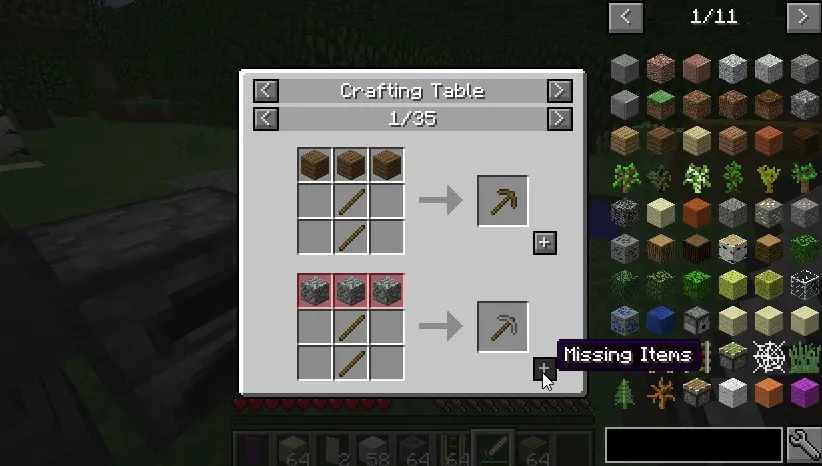
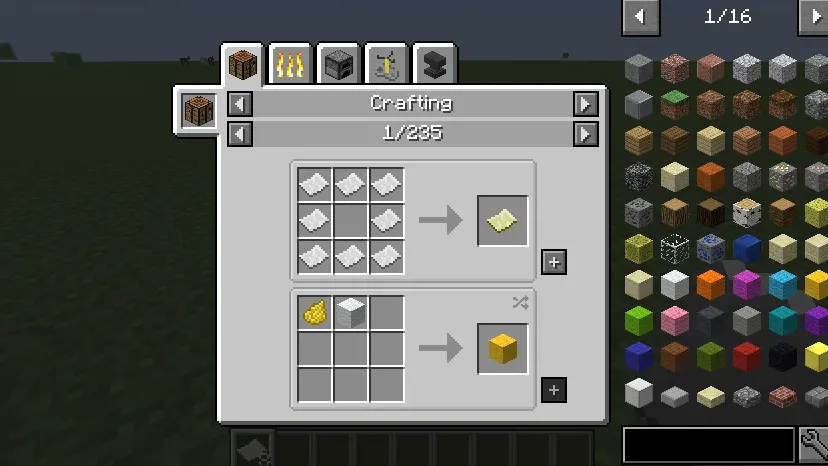
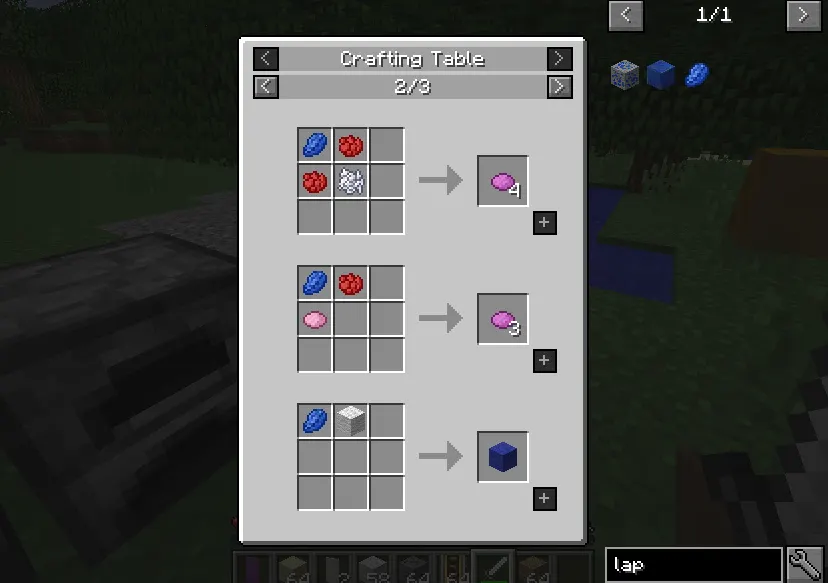
- Show recipes by hovering over items or clicking them
- Search items by mod name, tooltip, or OreDict with special syntax
- Advanced filters for excluding terms or combining search queries
- Cheat mode to instantly obtain items or delete them
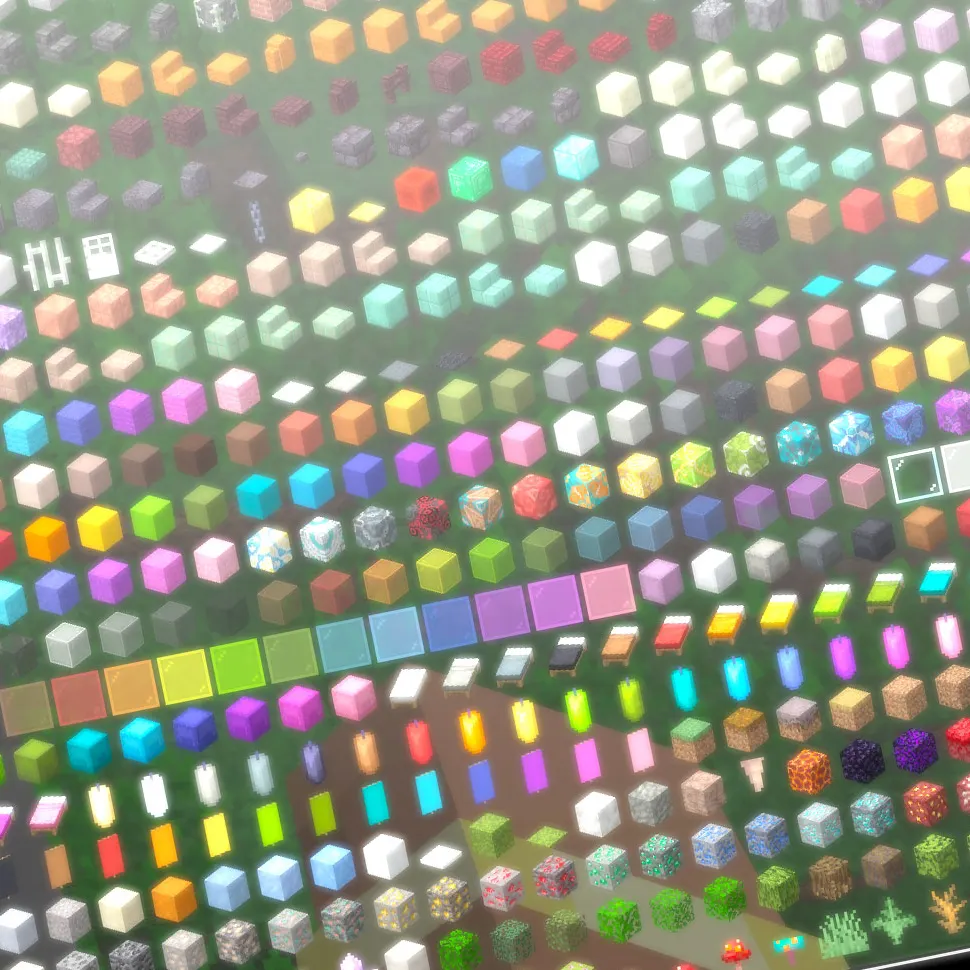
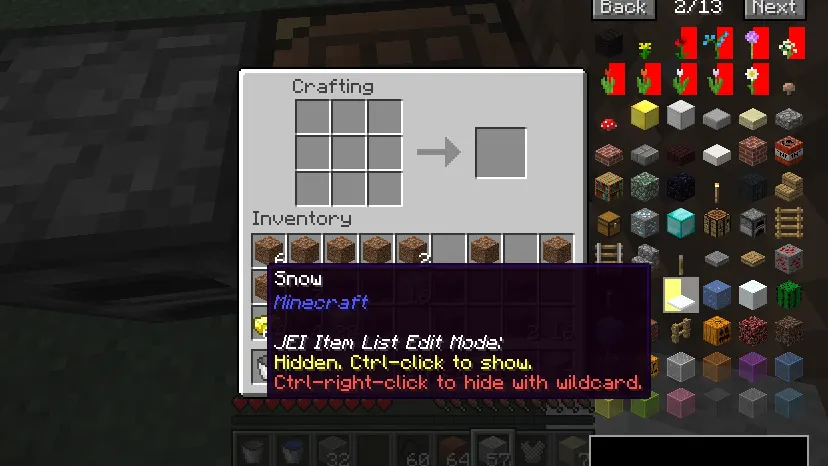
- Hide specific items or entire mod categories from the list
- Sync recipes to clients in Minecraft 1.21.2+ with server-side JEI
Tips
- Start with the search bar (Ctrl+F) to find items by mod name or keyword
- Use cheat mode for quick item access, but note NBT data limitations in older versions
- For 1.21.2+, ensure JEI and NeoForge/Fabric are installed on both client and server
- Combine search terms with | for multiple criteria (e.g., 'wrench|hammer')
How to install
- Install Fabric / Forge / NeoForge for your Minecraft version (use the official installer).
- Download the file that matches your Minecraft version and Fabric / Forge / NeoForge.
- Also install: MezzConfig.
- Open the .minecraft folder and put the file into the "mods" folder (create it if missing).
- Launch Minecraft with the Fabric / Forge / NeoForge profile.
FAQ
Can I include JEI in my mod pack?
Yes, JEI is designed for modpacks and works with most mods without conflicts.
Does JEI work with vanilla servers?
Yes, but some features like recipe syncing require JEI on the server for 1.21.2+.
Where is the NEI feature from?
JEI replaces NEI's features; check mod charts for specific support details.