
About Complementary Shaders - Reimagined
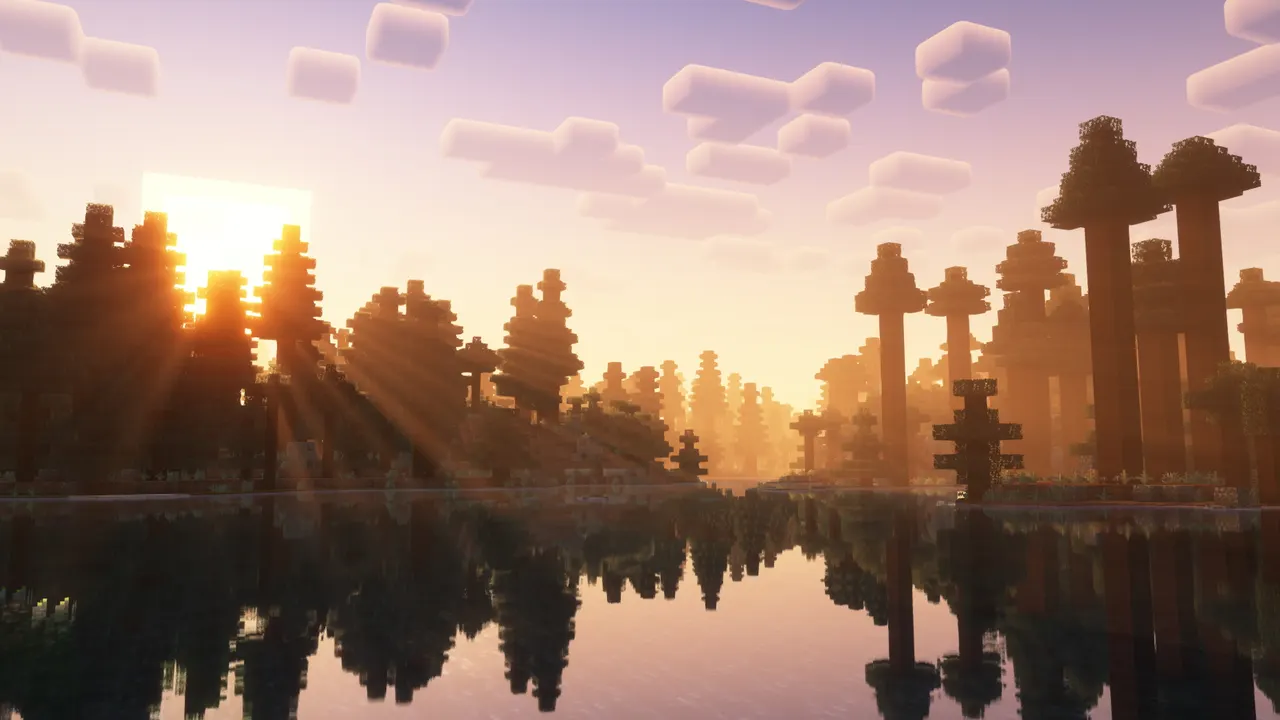
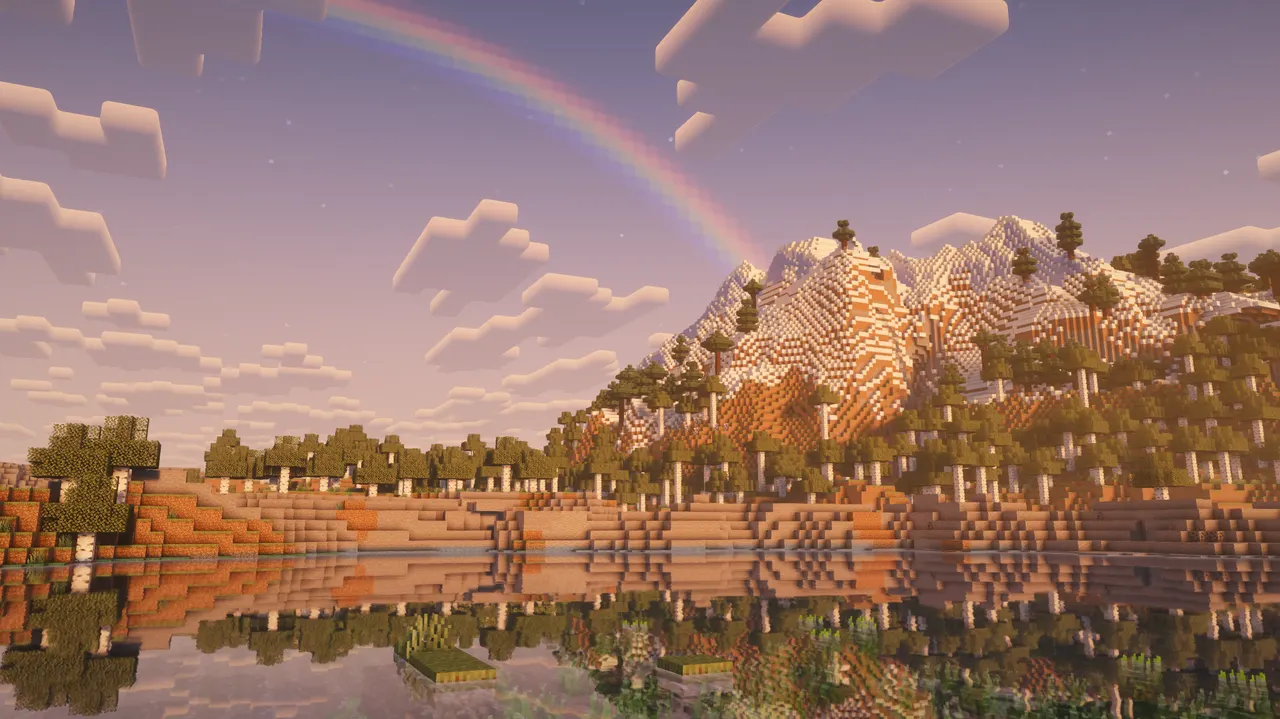
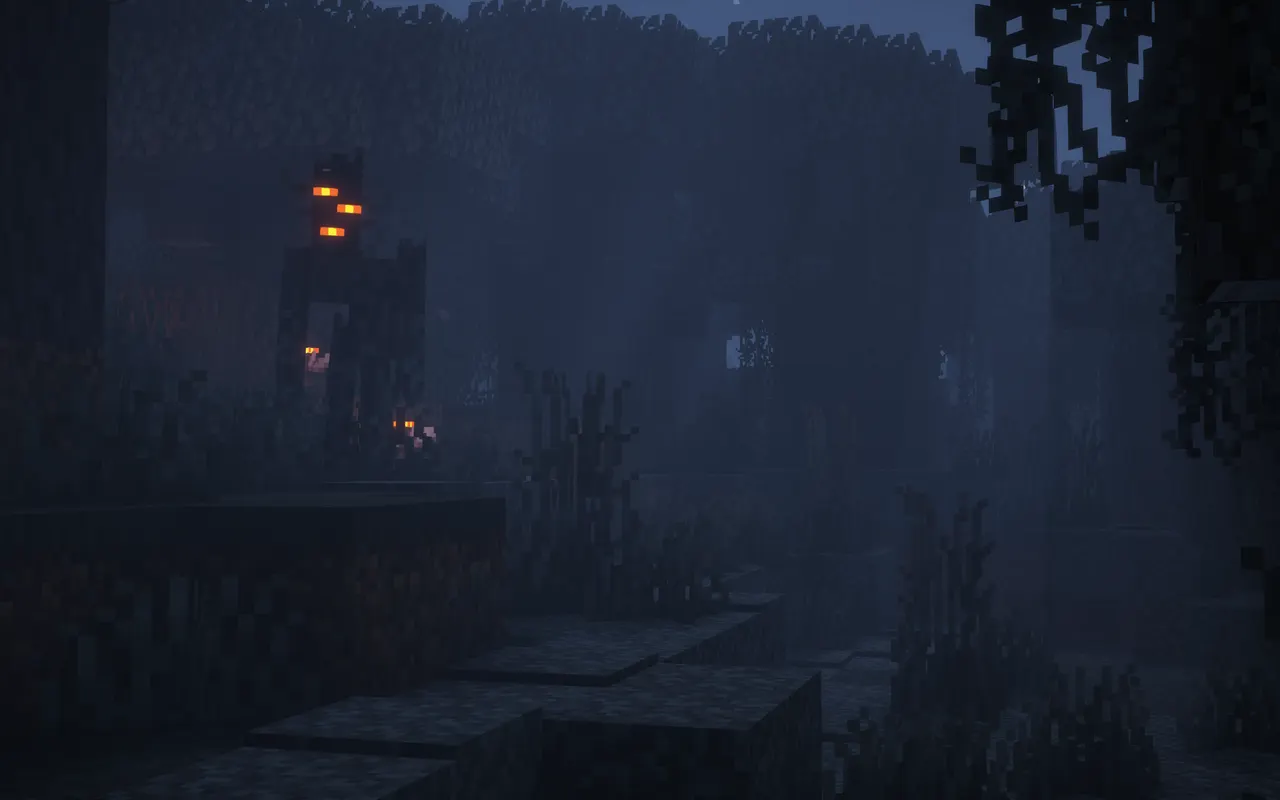
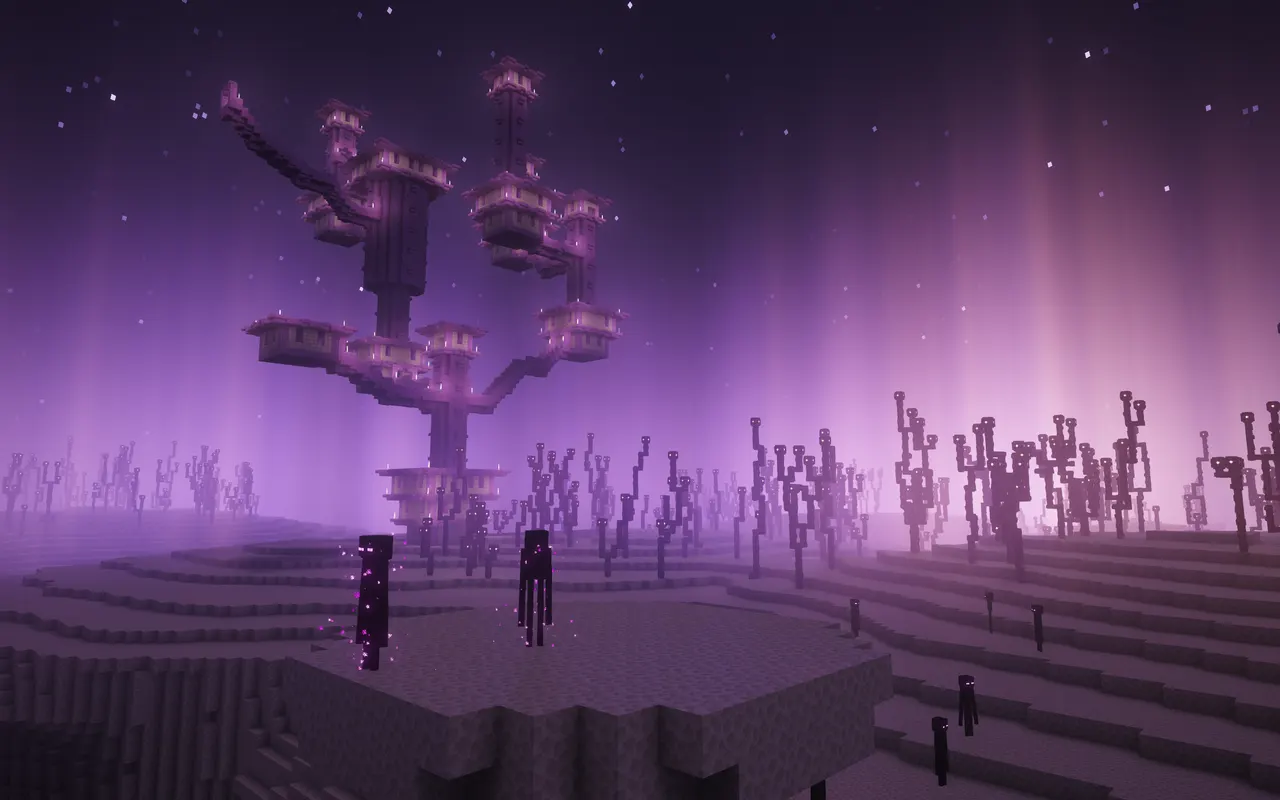
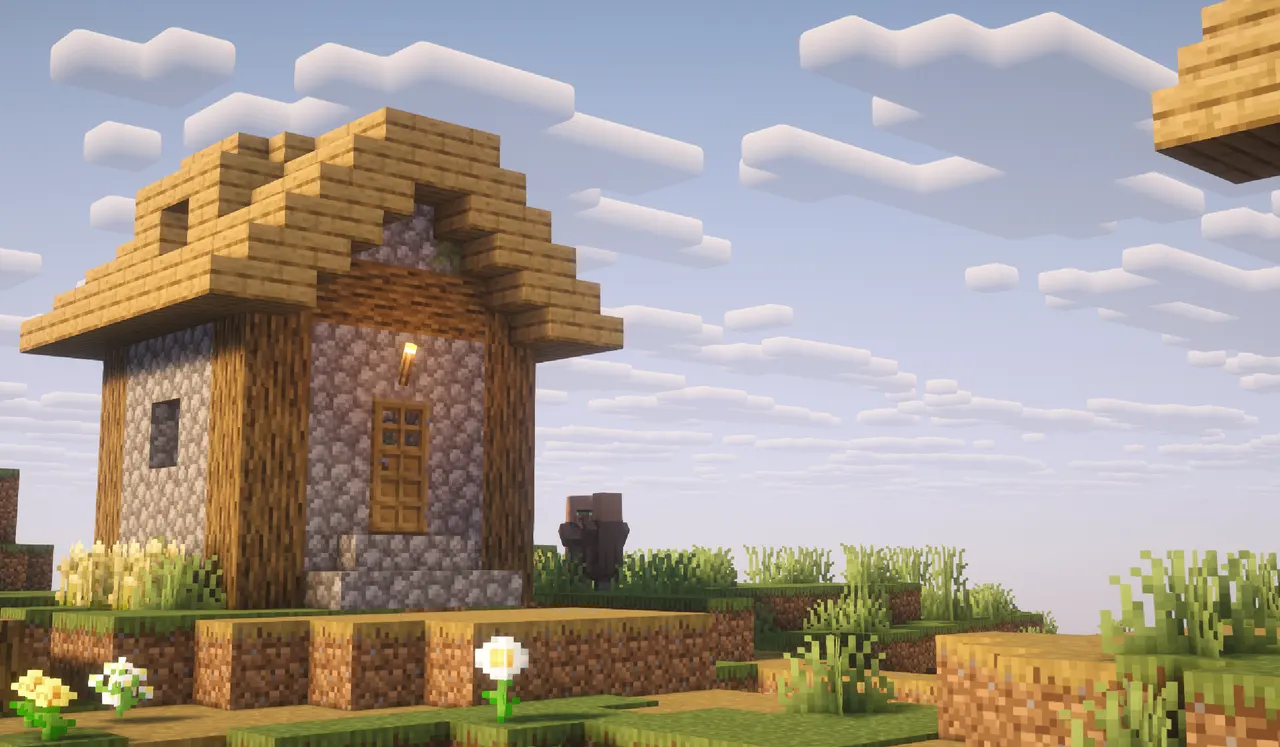
Complementary Shaders - Reimagined is a shader pack for Minecraft Java Edition that balances high-quality visuals with performance. It offers two distinct style profiles—Reimagined and Unbound—each tailored to different visual preferences while maintaining Minecraft's core aesthetics. The pack includes custom effects for nearly every block and environment, from foliage to water, with settings ranging from low to ultra.
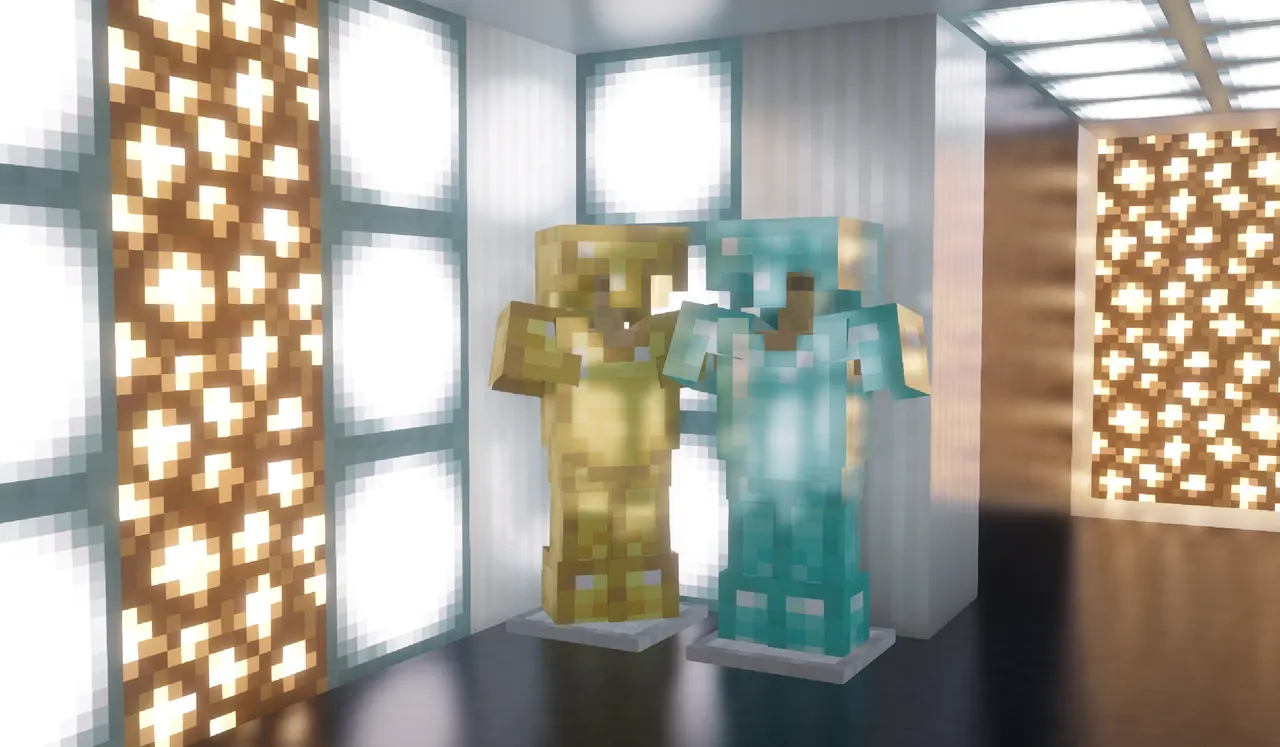
The Reimagined style focuses on preserving Minecraft's vanilla feel with refined lighting, shadows, and atmospheric effects. It adds subtle bloom, reflections, and PBR textures without overpowering the game's original look. The Unbound style leans toward realism, with detailed shadows, realistic water, and more intense lighting, though both styles can be customized to suit individual tastes.
Ideal for players who want enhanced visuals without sacrificing performance, this shader pack suits modpack builders looking for a polished, community-driven option. It’s particularly well-suited for those who enjoy detailed environments, atmospheric effects, or a more refined vanilla experience. The lack of dependencies makes it easy to integrate into existing modpacks.
As a shader pack, it requires Iris or OptiFine for compatibility and operates only on the client side. Its regular updates and community feedback-driven development ensure it stays optimized for modern Minecraft versions. It works well with other mods that enhance visuals or add environmental details, making it a versatile choice for immersive gameplay.
Features
- Two distinct visual styles: Reimagined (vanilla-like) and Unbound (realistic)
- Customizable lighting, shadows, bloom, and reflections for every block
- Performance profiles from Potato to Ultra for different hardware
- No dependencies; works with Iris or OptiFine
- Supports Minecraft versions 1.7.10 to 26.3
- Community-driven development with regular updates
Tips
- Install Iris first, then use the Complementary Installer for automatic setup
- Start with 'Reimagined' for a balanced vanilla feel, or 'Unbound' for realism
- Adjust bloom and shadow settings first for optimal performance
- Combine with mods like Biomes O' Plenty for enhanced environmental visuals
- Refresh shader options if the pack doesn’t appear in the menu
How to install
- Install Iris (or OptiFine) for your Minecraft version.
- Download the shader .zip — do not unzip it.
- Put it into the "shaderpacks" folder inside .minecraft.
- In game: Options → Video Settings → Shader Packs, then pick it.
FAQ
Which Minecraft versions does it support?
Versions 1.7.10 to 26.3, including 26.3, 26.2, and 1.21.11.
Do I need any other mods?
Requires Iris or OptiFine; no additional dependencies.
Does it work on servers?
No—only client-side; servers don’t need the shader pack.