About Complementary Shaders - Unbound
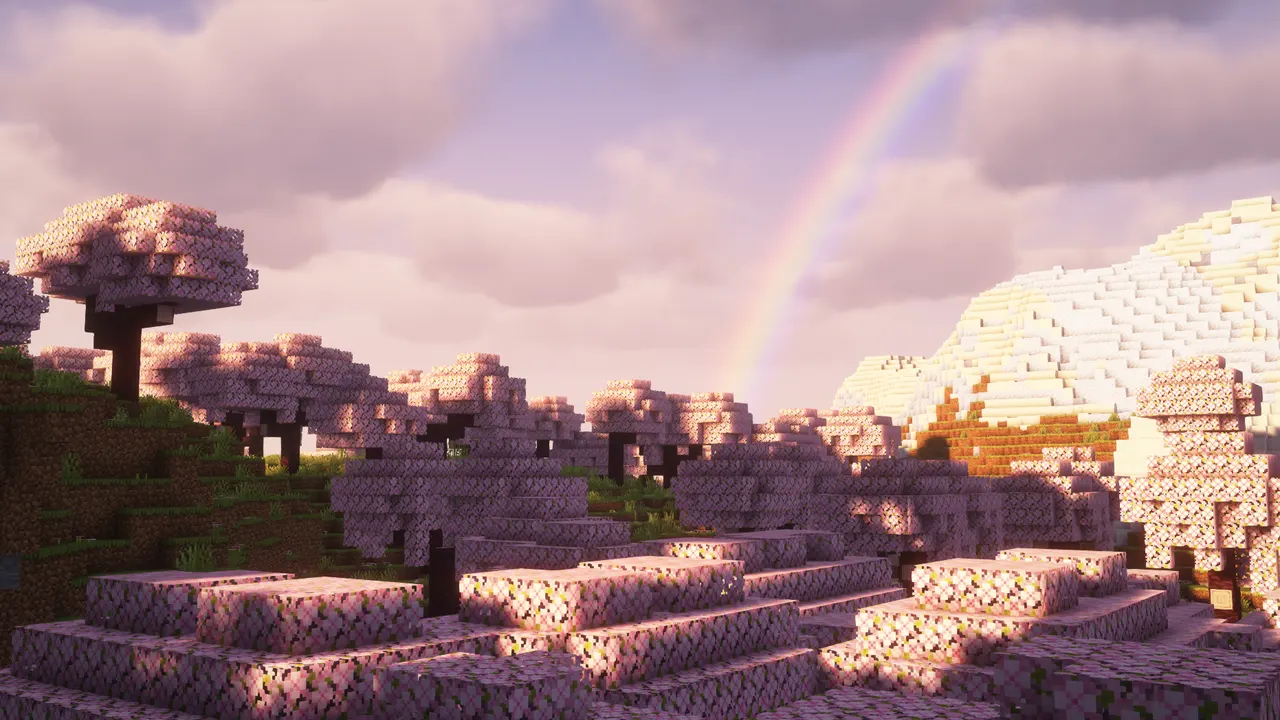
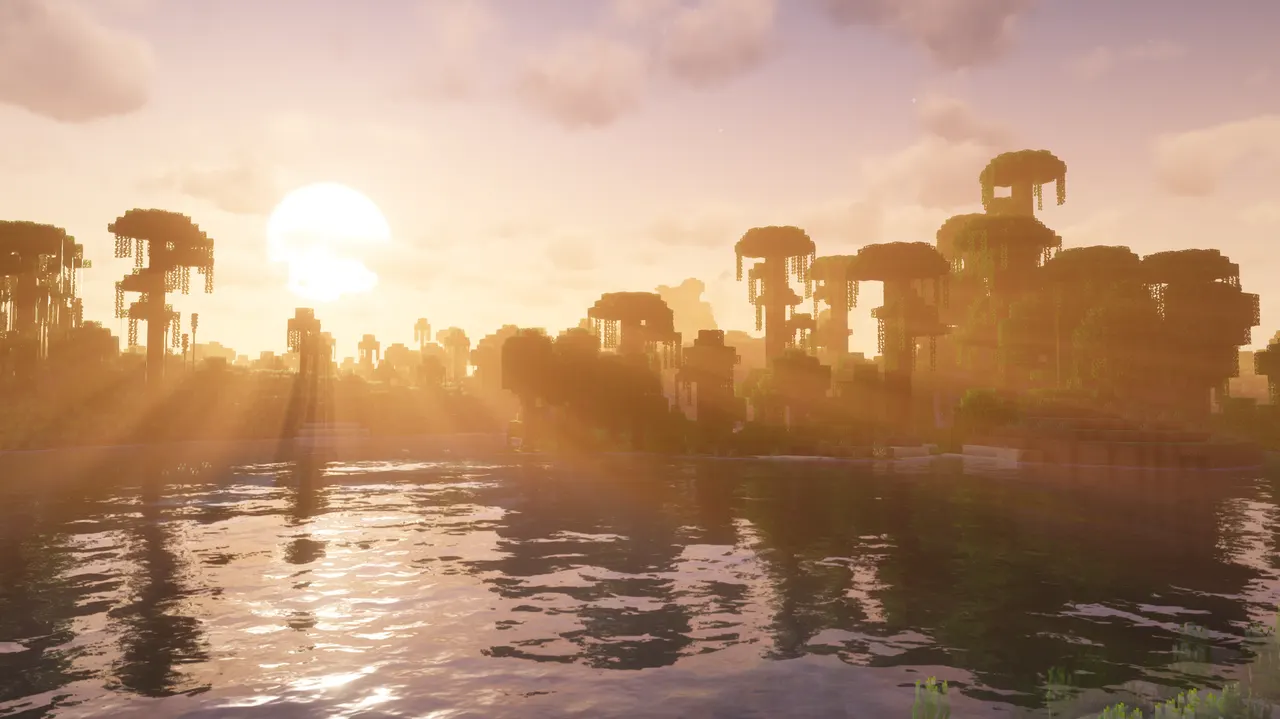
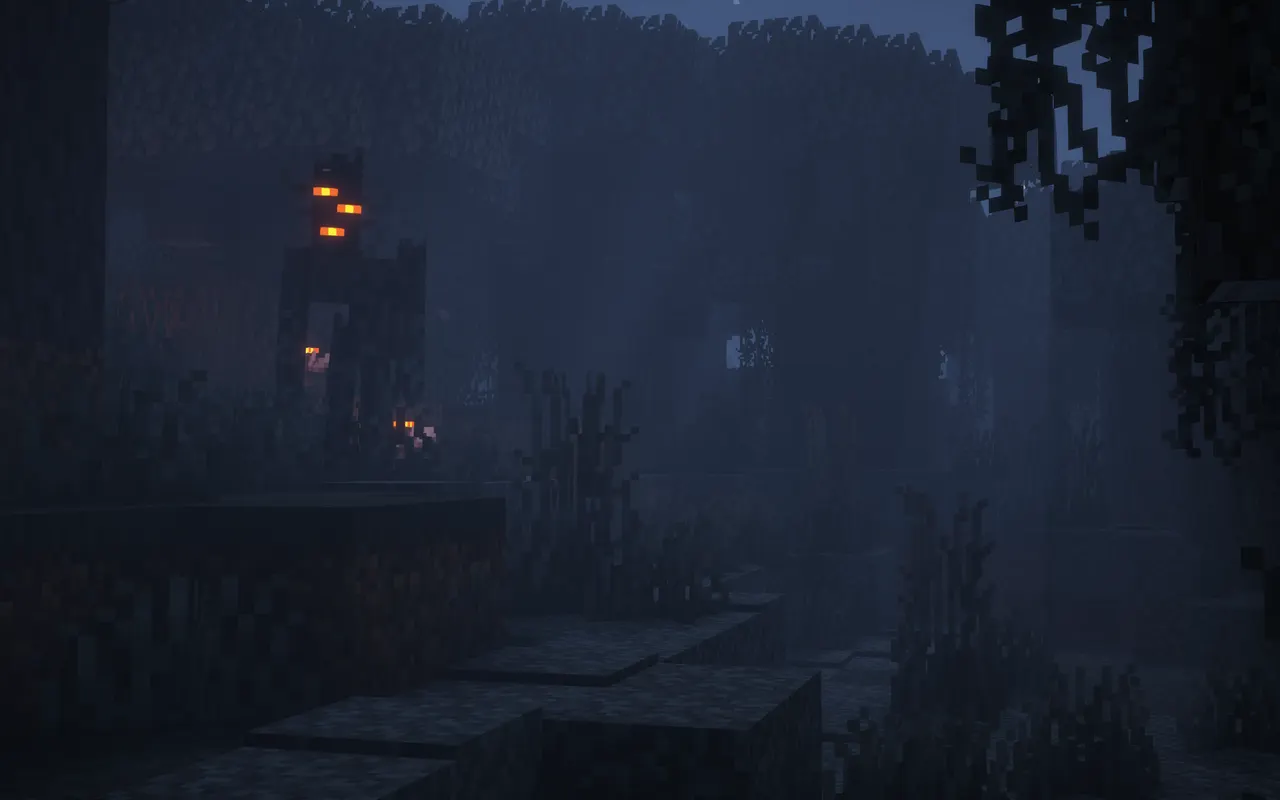
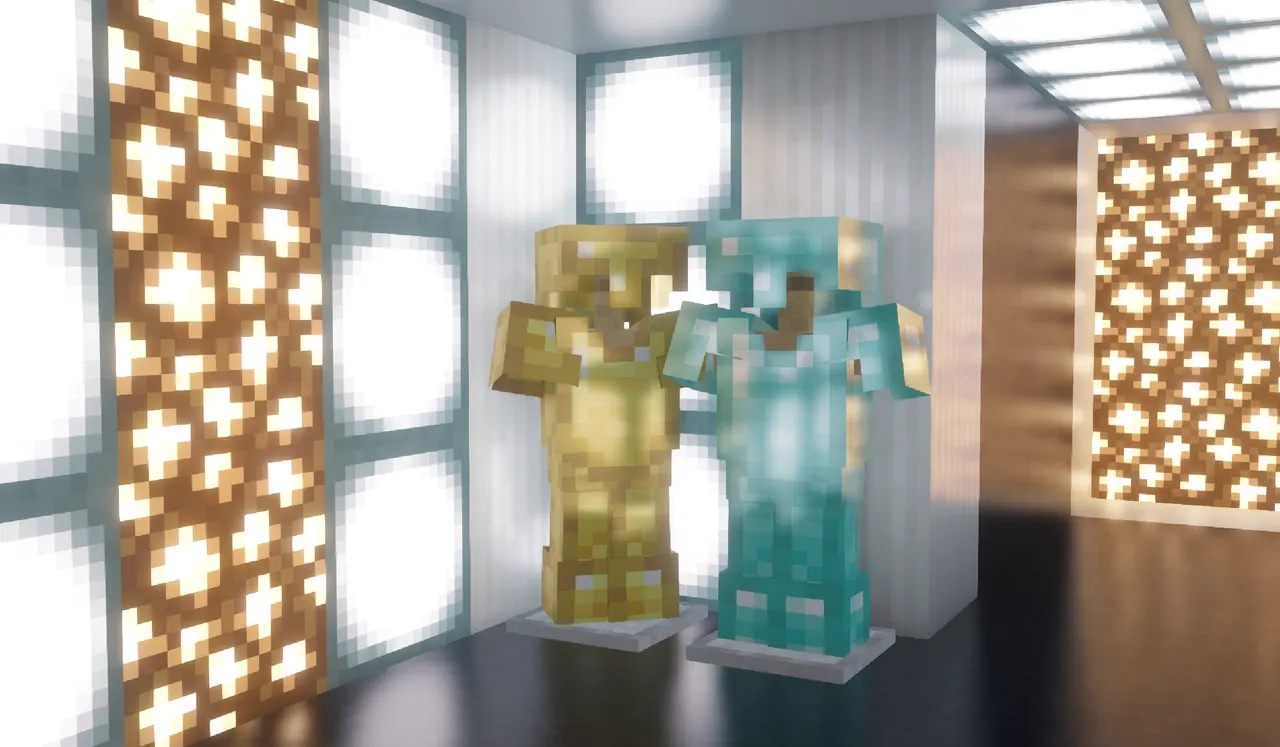
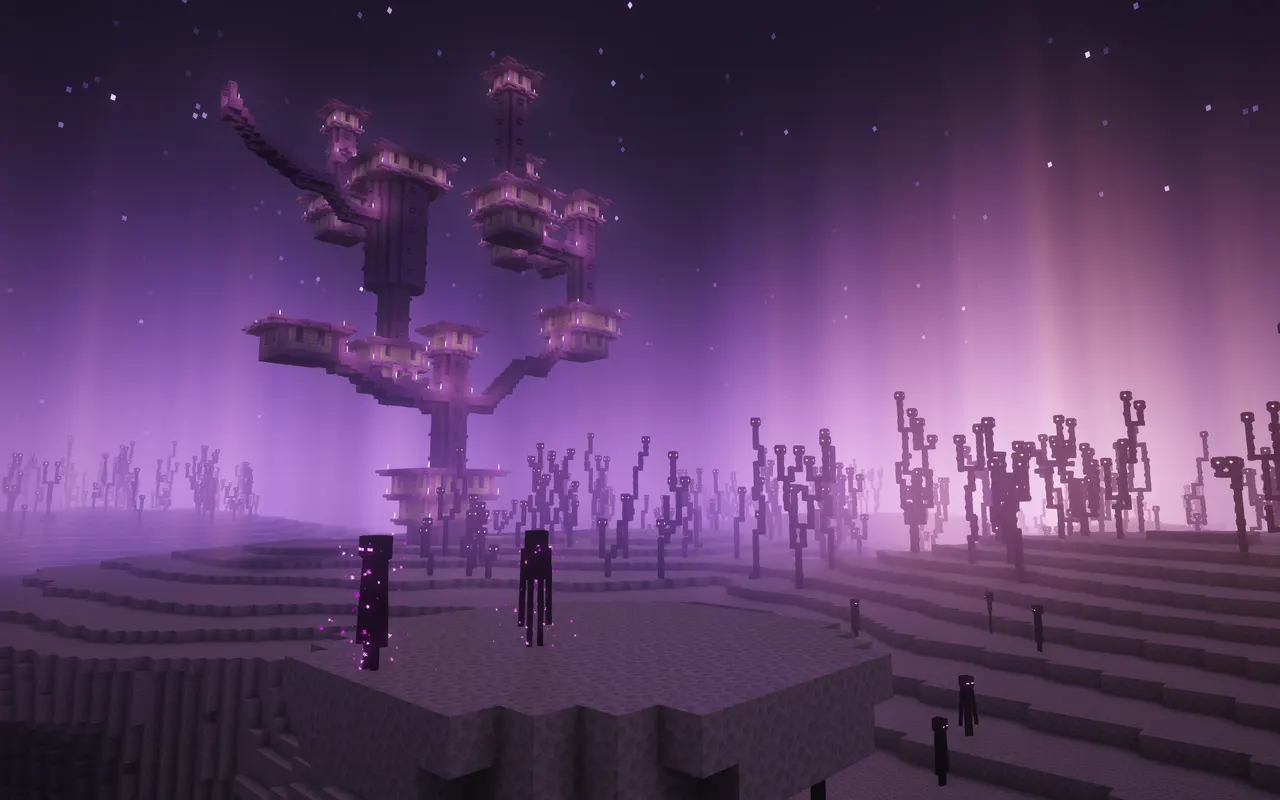
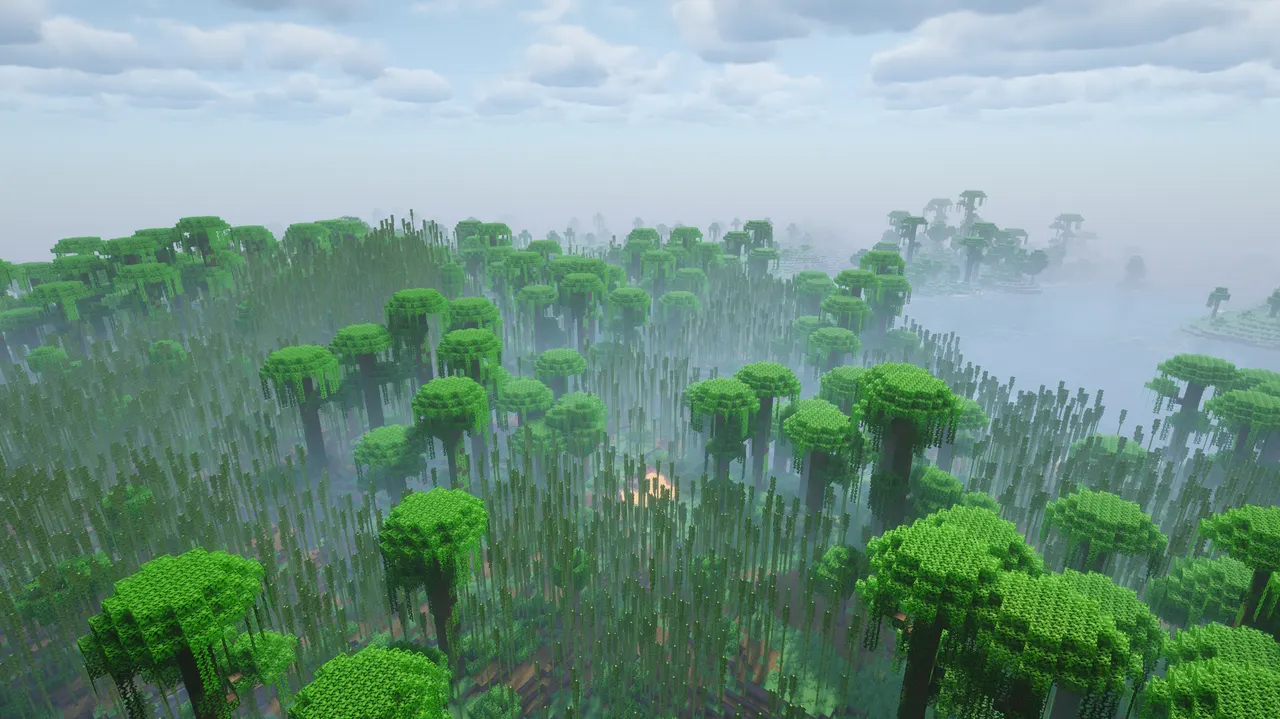
Complementary Shaders - Unbound is a shader pack offering realistic visuals, high-quality effects, and performance tuning for Minecraft Java Edition. It provides two distinct styles—Unbound for realism and Reimagined for fantasy—to suit different playstyles.
The Unbound style prioritizes lifelike lighting, shadows, and reflections, while Reimagined adds artistic flair with bloom and cartoon effects. Both styles allow full customization, letting players tweak settings like fog, water, and foliage to match their preferences.
Ideal for players seeking detailed, immersive visuals without performance trade-offs, this shader pack works well in modpacks that emphasize exploration or aesthetics. Its compatibility with multiple Minecraft versions makes it versatile for various builds.
Built on user feedback and regular updates, Complementary Shaders integrates smoothly with modpacks focused on visual storytelling or atmospheric gameplay, enhancing worlds without disrupting core mechanics.
Features
- Two default styles: Unbound (realistic) and Reimagined (fantasy)
- Supports Minecraft versions 1.7.2 to 26.3
- Optimized for performance with adjustable settings
- Customizable effects for blocks, lighting, and weather
- Requires Iris or OptiFine for shader support
- No dependencies or additional mod requirements
Tips
- Install Iris first to enable shader packs, then use the Complementary Installer for easy setup.
- Customize Shader Options to balance realism or fantasy effects based on your system's performance.
- Test settings like bloom intensity and fog density to avoid over-saturation.
- Use the Reimagined style for artistic mods or Unbound for realistic exploration builds.
- Refresh the shader menu if the pack doesn't appear after installation.
How to install
- Install Iris (or OptiFine) for your Minecraft version.
- Download the shader .zip — do not unzip it.
- Put it into the "shaderpacks" folder inside .minecraft.
- In game: Options → Video Settings → Shader Packs, then pick it.
FAQ
Does this shader pack work with OptiFine or Iris?
Yes, it requires Iris or OptiFine for shader support. Both loaders are compatible with Minecraft versions 1.7.2 to 26.3.
Can I switch between the two visual styles?
Yes, you can switch between Unbound (realistic) and Reimagined (fantasy) styles in Shader Options after installation.
Is this shader pack server-sided?
No, it's client-sided only. Servers don't need the shader pack to run, but players must install it locally.