About 3D Skin Layers
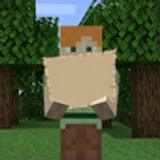
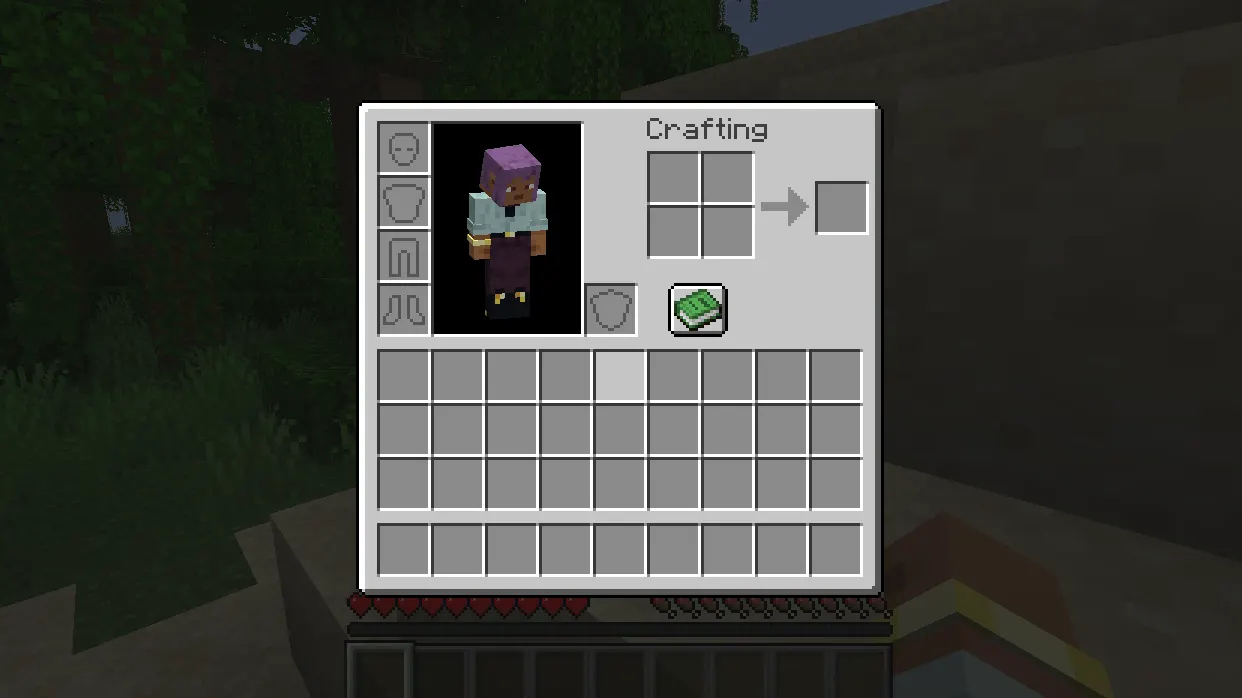
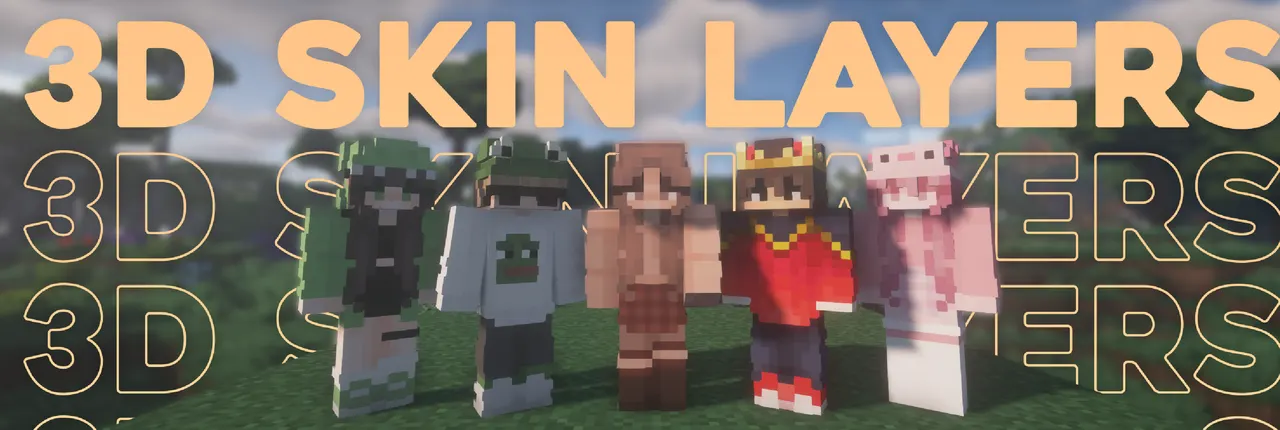
3D Skin Layers replaces Minecraft's flat skin layer with a 3D model, adding depth to cosmetic details like jackets and hats. It supports transparency for accessories like glasses and visors, and applies to head items too. The mod is purely visual and client-side only, requiring no server installation.
The mod switches to vanilla 2D rendering when players are more than 12 blocks away, maintaining high framerates in crowded areas. This performance-optimized approach ensures smooth gameplay without compromising visual quality. Transparent elements like visors work seamlessly with the 3D layer.
Best for players who want detailed skin customization without performance hits. It suits modpacks with cosmetic-focused mods like Better Combat or Emotecraft. Its client-side nature makes it ideal for servers that don't need extra processing load.
Works well with mods like Essential and Player Animator. It integrates with modpacks that prioritize visual polish but requires compatible loaders like Fabric or Forge. Avoid using with HD skins or Lunar Client due to known compatibility issues.
Features
- Replaces flat skin layer with 3D model
- Supports transparency for glasses and visors
- Automatically switches to 2D rendering beyond 12 blocks
- Applies to player head items
- Fully client-side with no server installation
- Requires Fabric API dependency
Tips
- Adjust 3D size if armor layers stick through
- Update resourcepacks if layers appear offset
- Check skin customization settings if layers are missing
- Use compatible mods like Essential or Player Animator
- Ensure skin has second layer for mod to work
How to install
- Install Fabric / Forge / NeoForge / Quilt for your Minecraft version (use the official installer).
- Download the file that matches your Minecraft version and Fabric / Forge / NeoForge / Quilt.
- Also install: Fabric API.
- Open the .minecraft folder and put the file into the "mods" folder (create it if missing).
- Launch Minecraft with the Fabric / Forge / NeoForge / Quilt profile.
FAQ
Does this need to be installed on the server?
No. It's fully client-side and requires no server installation.
Does this work with HD skins?
No. HD skins' pixel shapes don't align with the 3D rendering.
Layers stick through modded armor?
Reduce 3D size in mod settings until it fits properly.