About Xaero's World Map
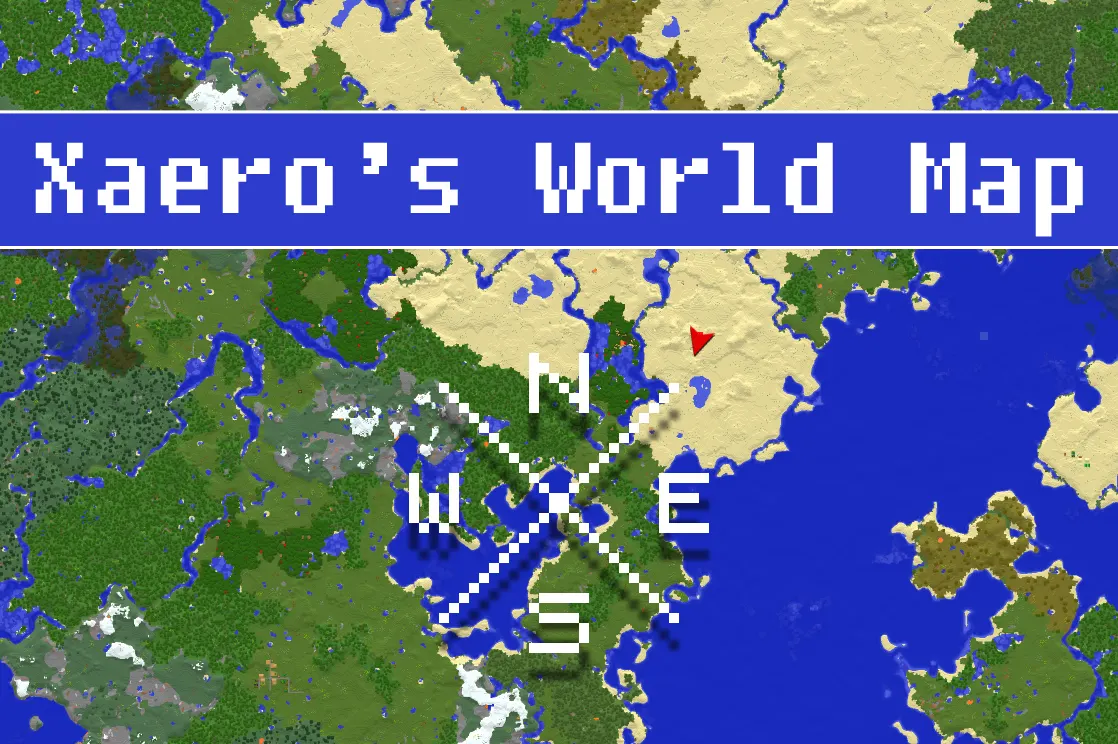
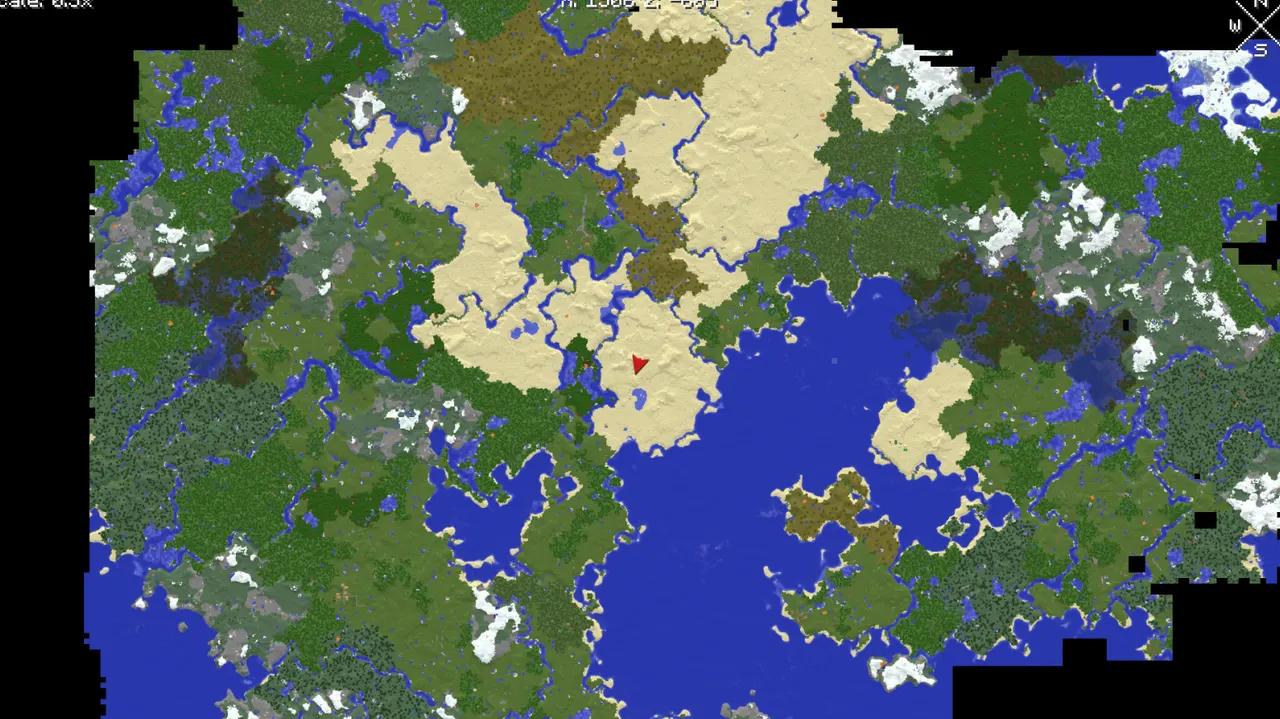
Xaero's World Map is a client-side mod that creates an automatically updating fullscreen map showing your Minecraft world's explored areas. It works best with Xaero's Minimap for enhanced navigation. The mod handles singleplayer, multiplayer, and Realms, with optional server-side features for managing player access.
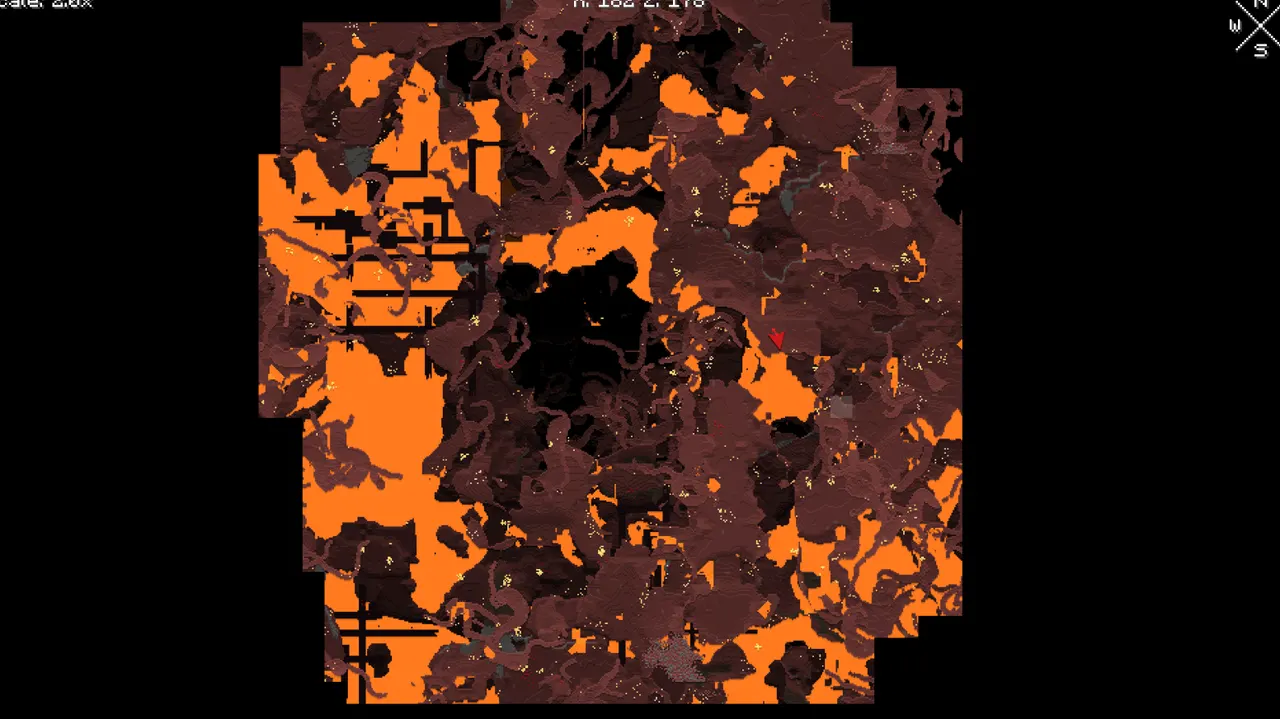
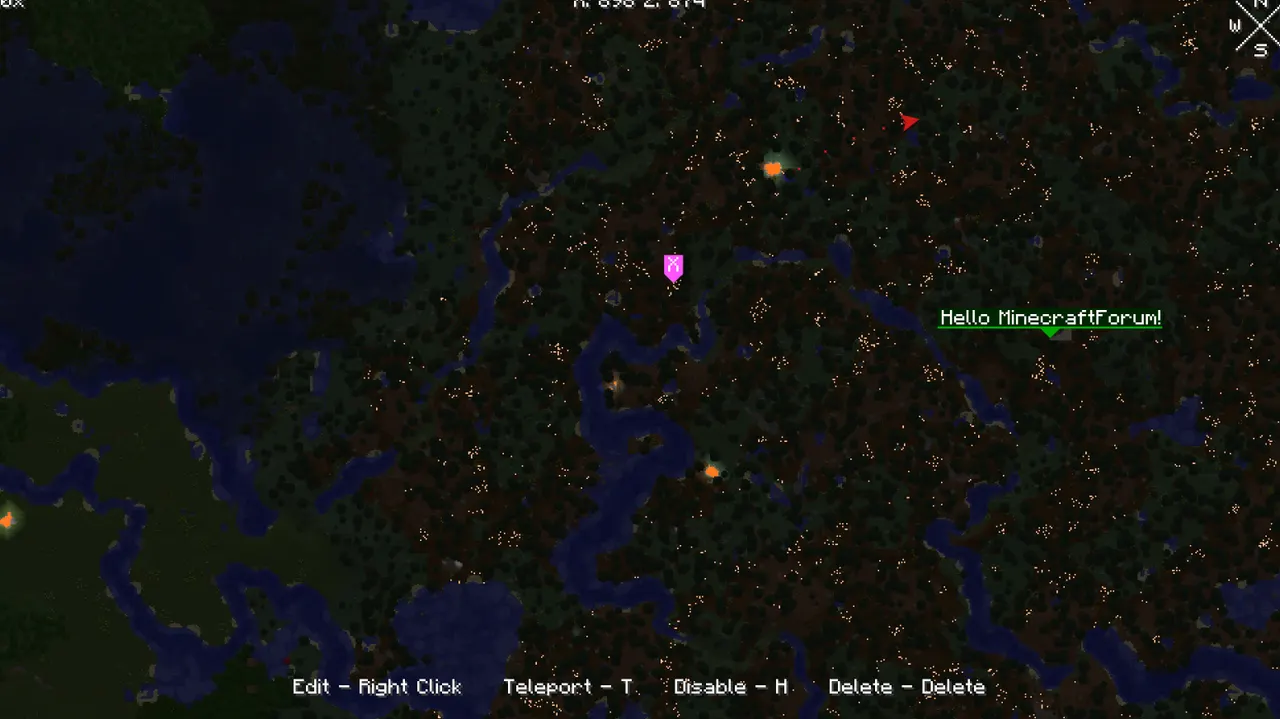
The map allows intuitive interaction with mouse controls, displays chunk claims, and supports resource pack changes that regenerate the map. It includes cave dimension support, terrain shading customization, and waypoints for tracking locations. Performance settings help optimize map generation speed.
Ideal for players who need visual tracking of exploration, especially in large worlds or multiplayer servers. It suits builders, explorers, and modpack creators looking to add navigation tools. Its lightweight design makes it easy to integrate into existing modpacks without conflicting dependencies.
The mod fits well in modpacks with Xaero's Minimap for combined waypoint and chunk tracking. Server admins can use potion effects or permission systems to control map access. Its compatibility with multiple Minecraft versions and loaders makes it versatile for various setups.
Features
- Self-writing world map that updates automatically as you explore
- Works in singleplayer, multiplayer, and Realms
- Intuitive mouse controls for navigation and zoom
- Optional server-side features for managing player access
- Displays chunk claims and ally players from Open Parties and Claims
- Resource pack changes regenerate the entire world map
- Supports cave dimensions like the Nether
- Optional vanilla map mode for paper-like aesthetics
Tips
- Optimize your world before generating maps to reduce generation time
- Use Xaero's Minimap for enhanced waypoint integration and chunk tracking
- Check server-side settings for permission-based map access control
- Export maps as PNGs for offline reference, though large maps may fail
- Avoid XaeroPlus to prevent compatibility issues and crashes
How to install
- Install Fabric / Forge / NeoForge / Quilt for your Minecraft version (use the official installer).
- Download the file that matches your Minecraft version and Fabric / Forge / NeoForge / Quilt.
- Also install: Fabric API.
- Open the .minecraft folder and put the file into the "mods" folder (create it if missing).
- Launch Minecraft with the Fabric / Forge / NeoForge / Quilt profile.
FAQ
How do I restore pre 1.30 Nether maps in multiplayer?
Move Nether map files to DIM-1/caves/-2147483648 folder in the server's xaero/world-map directory.
Can I make cave mode act like pre-1.30?
Set 'Default Cave Mode Type' to OFF and 'Legible Cave Maps' to ON in world map settings.
Does this mod work on servers?
Yes, with optional server-side configs for permissions and potion effect controls.