
About Reese's Sodium Options
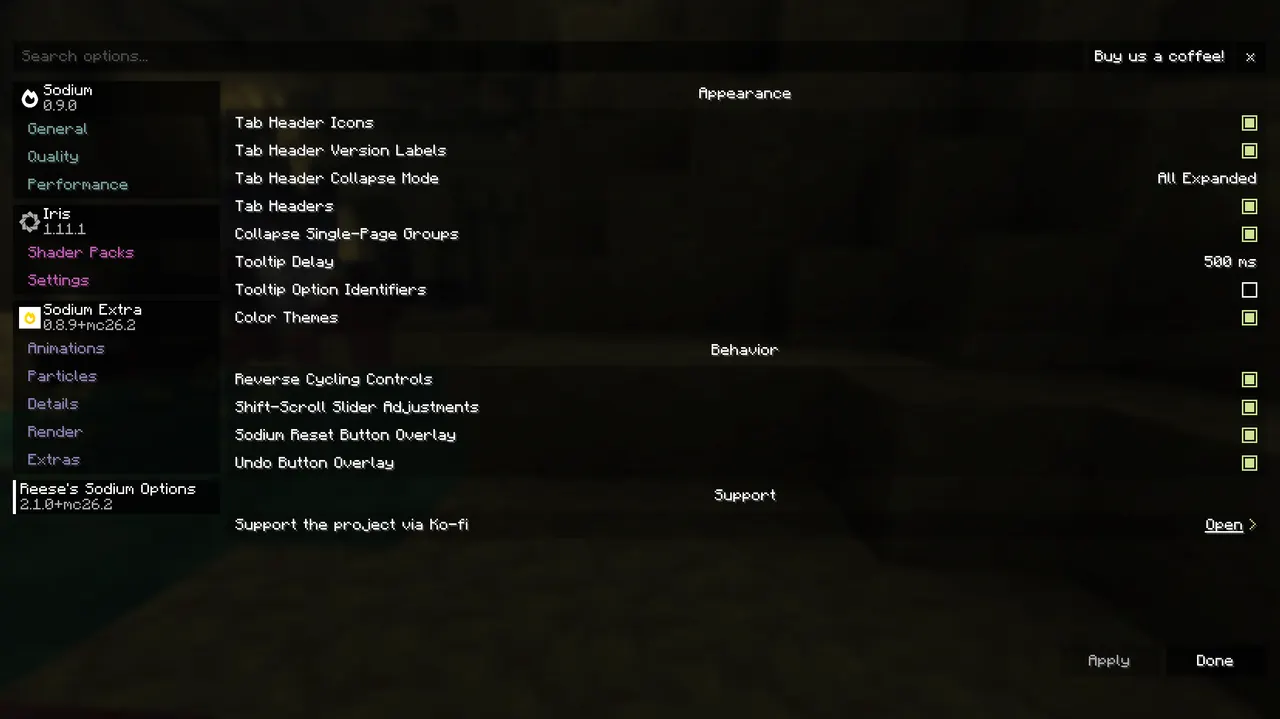
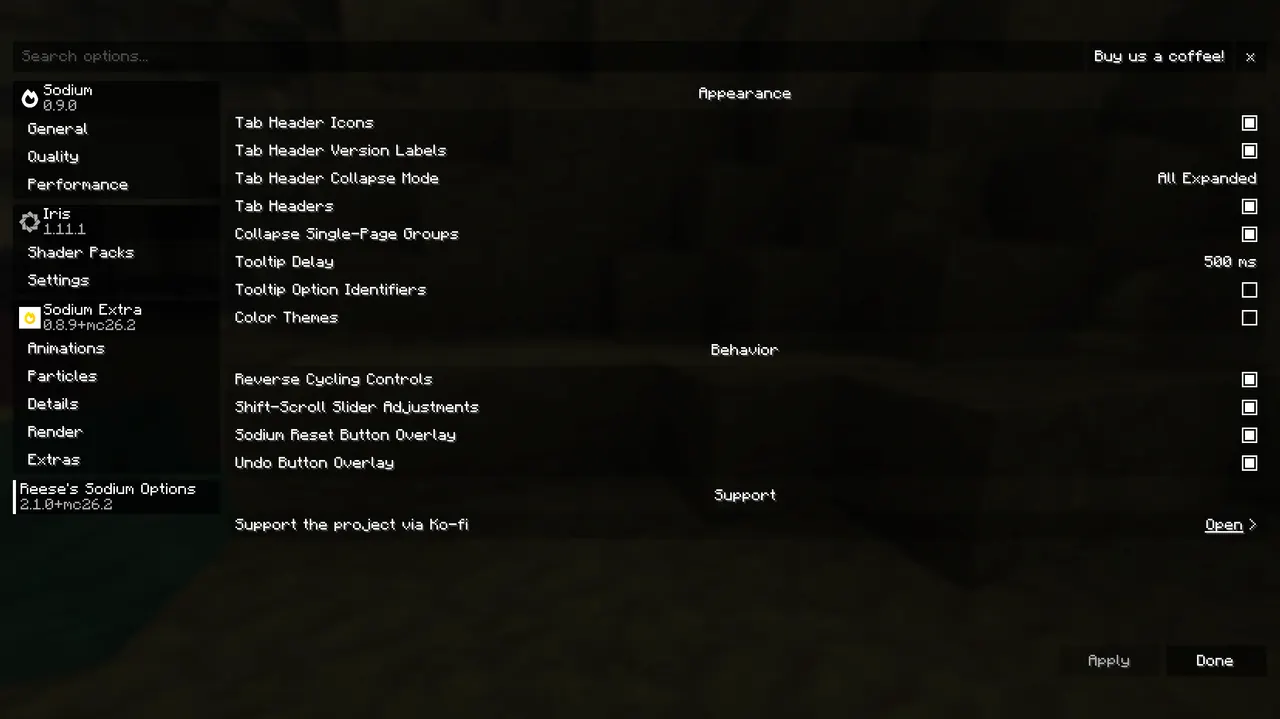
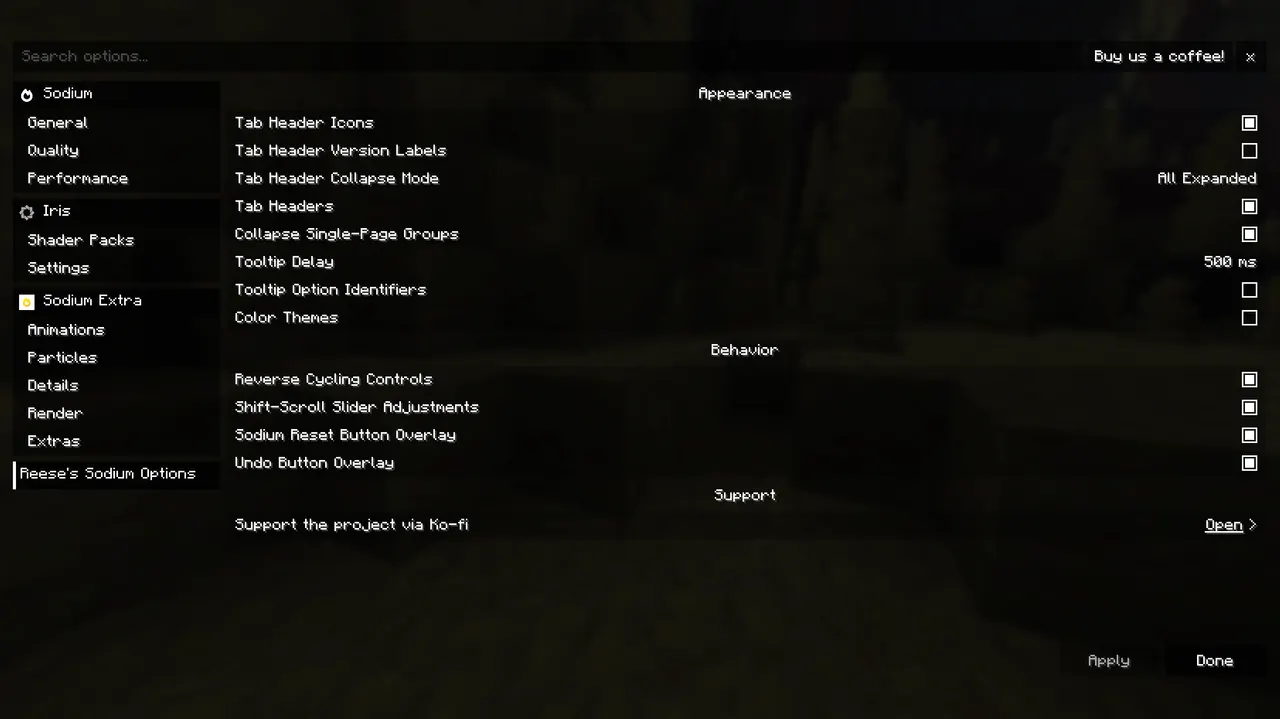
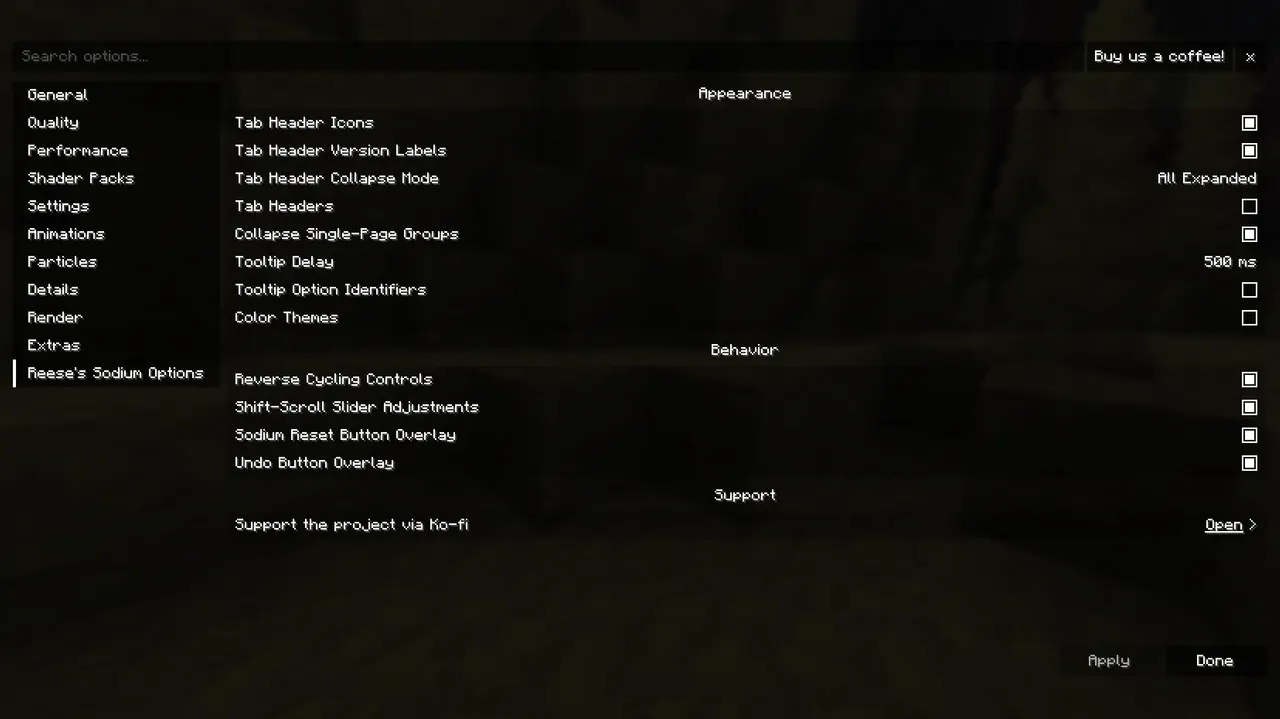
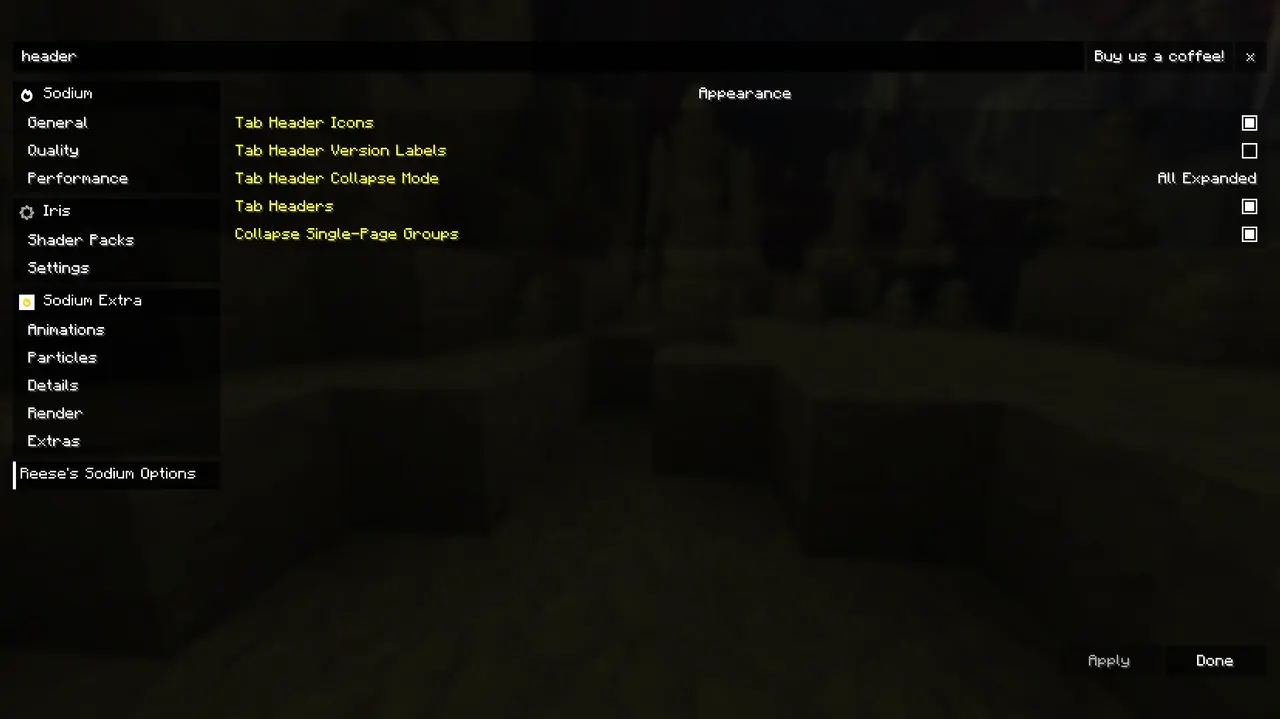
Reese's Sodium Options is a client-side UI mod that replaces Sodium's default options screen with a more organized, navigable interface. It adds features like tabbed sections, search bars, and collapsible groups to simplify configuration. The mod is built using Sodium's public API and works with Fabric, NeoForge, and Quilt loaders.
The mod enhances the options experience by grouping settings into tabs and pages, allowing players to quickly find and adjust preferences. It includes keyboard and controller navigation support, tooltips, and color themes to improve usability. These changes make configuration more efficient, especially for players managing complex modpacks.
Ideal for players who find Sodium's default UI cluttered or hard to navigate, this mod suits those who want greater control over their settings. It integrates seamlessly into modpacks without conflicting with other mods, as it only affects the client-side options menu. No server-side installation is required.
RSO provides a flexible alternative to Sodium's options screen, letting users choose between its layout or revert to the default. Its lightweight design ensures it doesn't impact performance, making it a practical choice for players seeking a more tailored configuration experience.
Features
- Alternative Sodium options screen with tabbed layout and search functionality
- Scrollable vertical tab list and collapsible mod group sections
- Customizable tab headers with icons and version labels
- Configurable tooltip delays and optional option ID visibility
- Per-option reset and undo features for modified settings
- Support for keyboard, controller, and Controlify navigation
- Optional color themes for option pages and controls
- Shift+scroll slider adjustments and reverse cycling controls
Tips
- Start by enabling the search bar to quickly locate settings
- Pair with Controlify for enhanced controller navigation
- Customize color themes to match your modpack's aesthetic
- Disable RSO in options if you prefer Sodium's default UI
- Check Sodium version compatibility before installation
How to install
- Install Fabric / NeoForge / Quilt for your Minecraft version (use the official installer).
- Download the file that matches your Minecraft version and Fabric / NeoForge / Quilt.
- Also install: Sodium.
- Open the .minecraft folder and put the file into the "mods" folder (create it if missing).
- Launch Minecraft with the Fabric / NeoForge / Quilt profile.
FAQ
Does this work with older Sodium versions?
Supports Sodium from 1.16.5 to 26.3. Older versions may require compatibility checks.
Is server installation required?
No. It's a client-side mod only; servers don't need it.