
About Simple Voice Chat
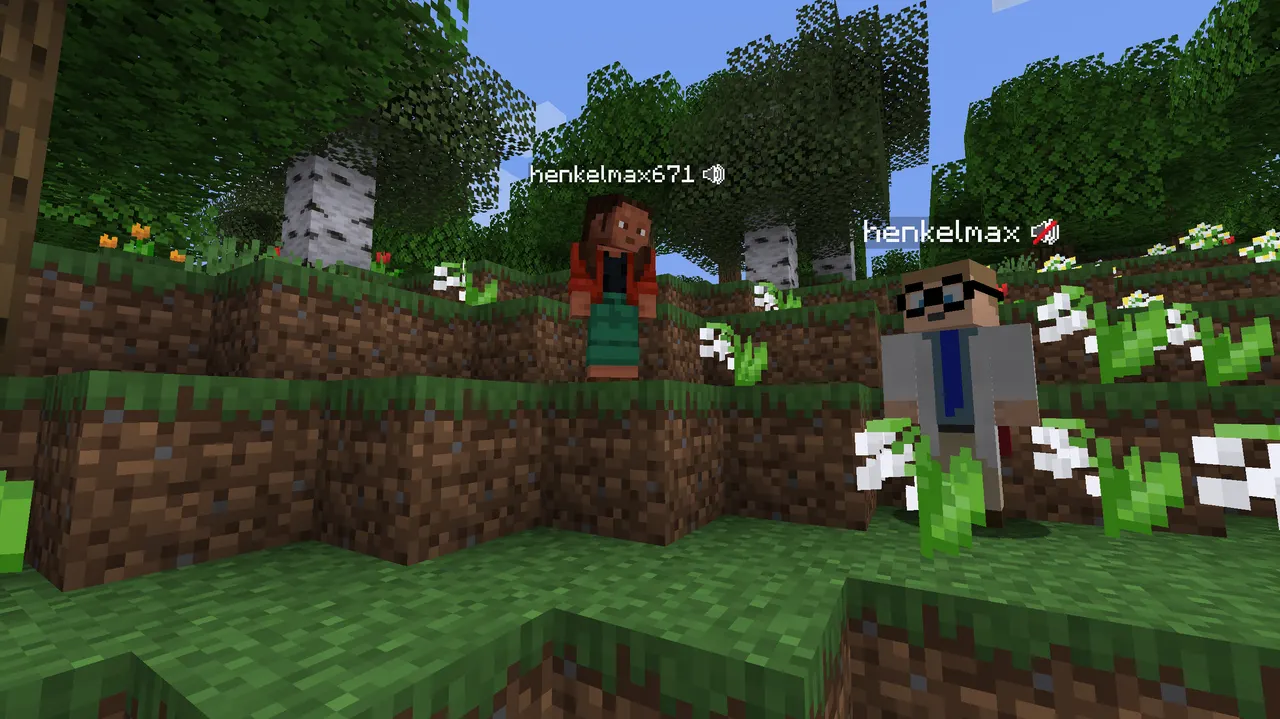
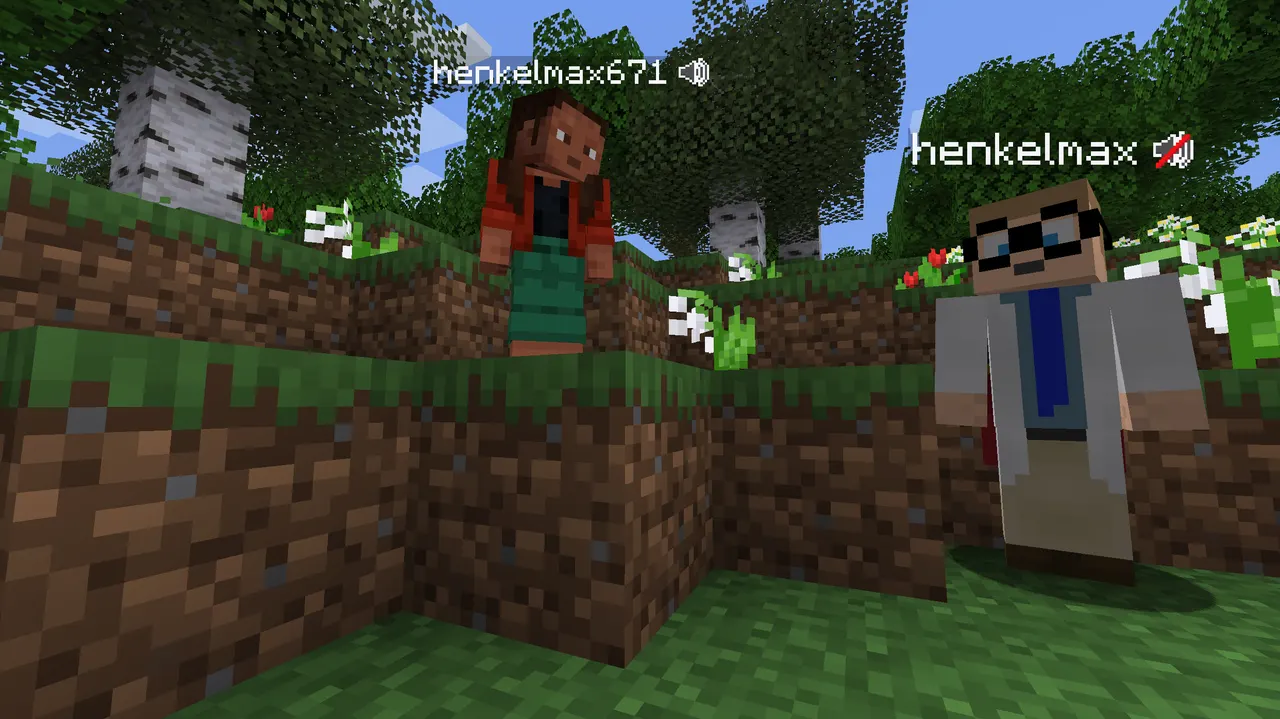
Simple Voice Chat adds proximity-based voice communication with optional group chats and 3D audio for immersive interactions. The mod supports multiple Minecraft versions and loaders, making it versatile for modpacks.
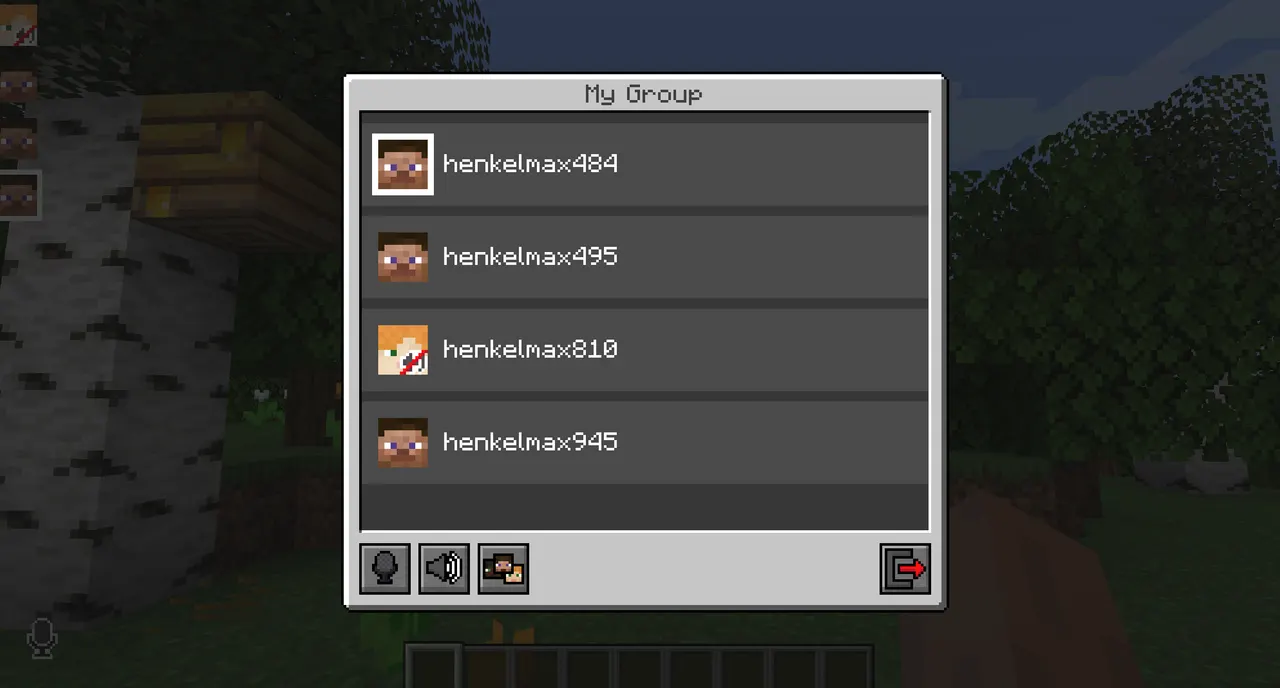
Players can join group chats to communicate with distant players, use whispering, adjust individual volumes, and enable encryption. 3D sound enhances directional awareness during gameplay.
Best for players seeking social interaction in multiplayer servers or modpacks with complex social features. Integrates smoothly with existing setups due to cross-loader compatibility.
The mod's lightweight design and optional client/server setup make it easy to add to modpacks without conflicting with other mods, though server configuration requires careful port setup.
Features
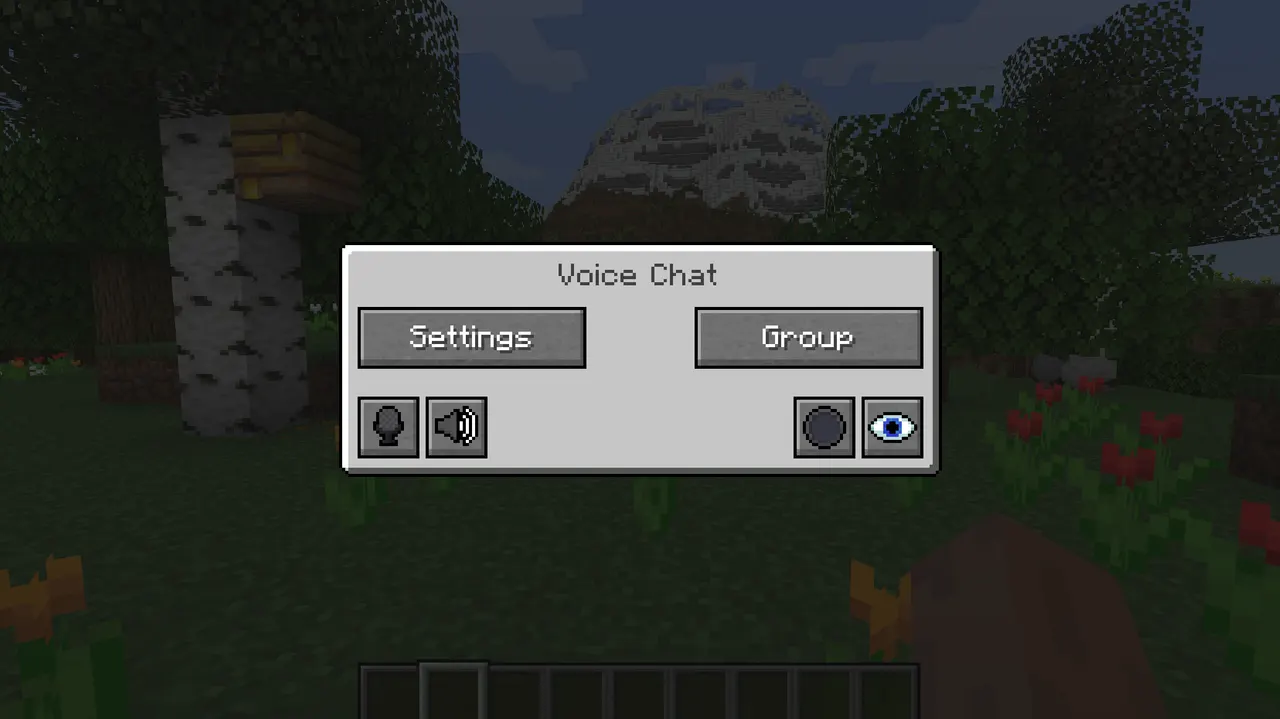
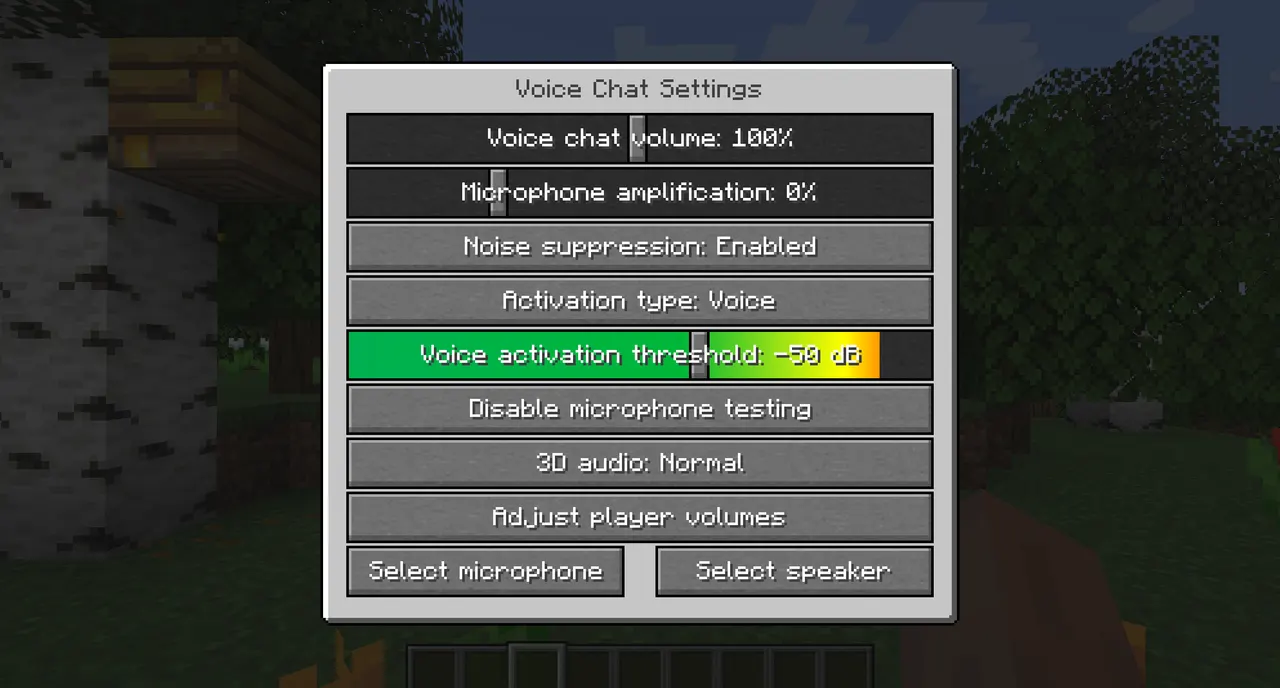
- Push-to-talk and voice-activated communication
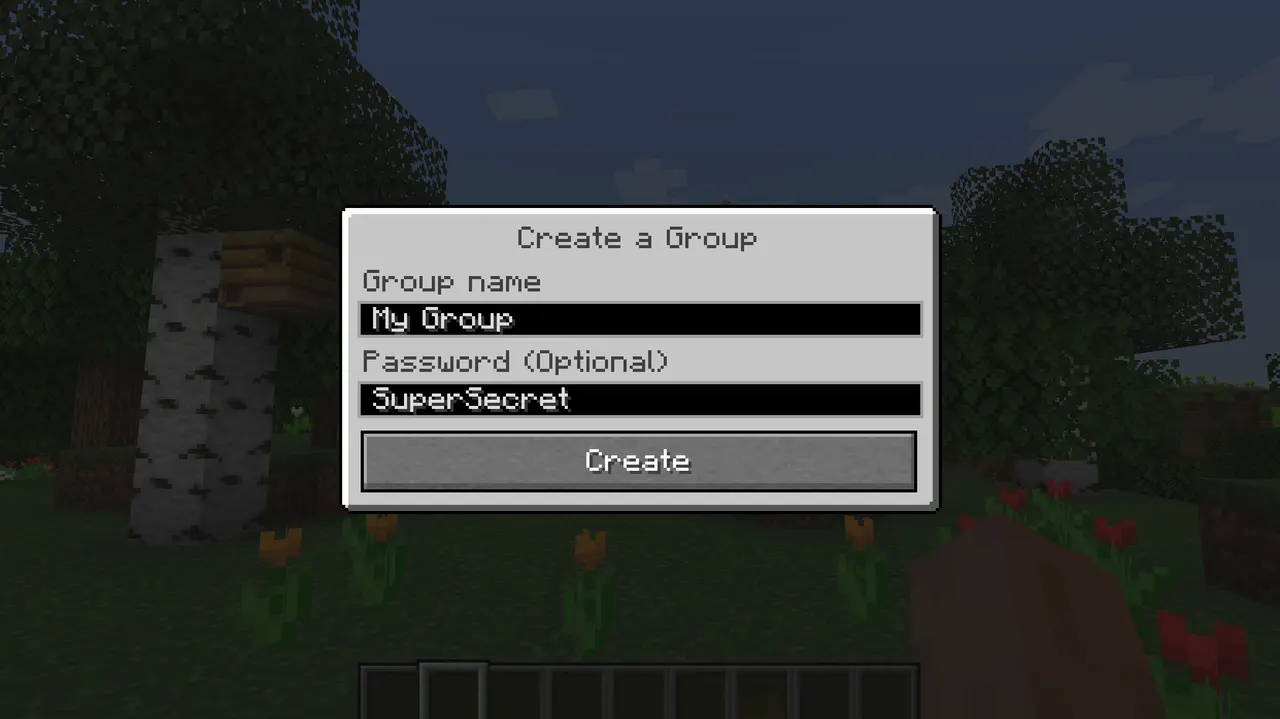
- Password-protected group chats for private conversations
- AES encryption for secure voice transmission
- 3D sound positioning for directional audio cues
- Cross-loader support for Fabric, Forge, Spigot, etc.
- Microphone gain adjustment and noise suppression
- Server port configuration for UDP 24454
Tips
- Set server port 24454 UDP in config before enabling voice chat
- Test audio settings with microphone and speaker playback tools
- Use ModMenu with ClothConfig for better settings UI
- Start with basic group chats before advanced features
How to install
- Install Fabric / Forge / NeoForge / Quilt for your Minecraft version (use the official installer).
- Download the file that matches your Minecraft version and Fabric / Forge / NeoForge / Quilt.
- Open the .minecraft folder and put the file into the "mods" folder (create it if missing).
- Launch Minecraft with the Fabric / Forge / NeoForge / Quilt profile.
FAQ
Does this work with multiple servers?
Yes, supports Velocity, BungeeCord, and Waterfall.
What port does it use?
Default UDP port 24454, configurable in server settings.
Is voice data encrypted?
AES encryption is used, but not guaranteed for security.